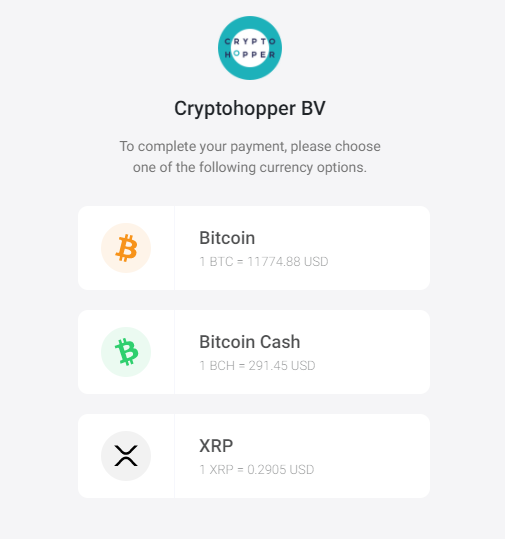
Wat zijn de verschillende betaalmogelijkheden met BitPay
Deze gids legt de twee betaalmogelijkheden uit die beschikbaar zijn bij het betalen met BitPay.
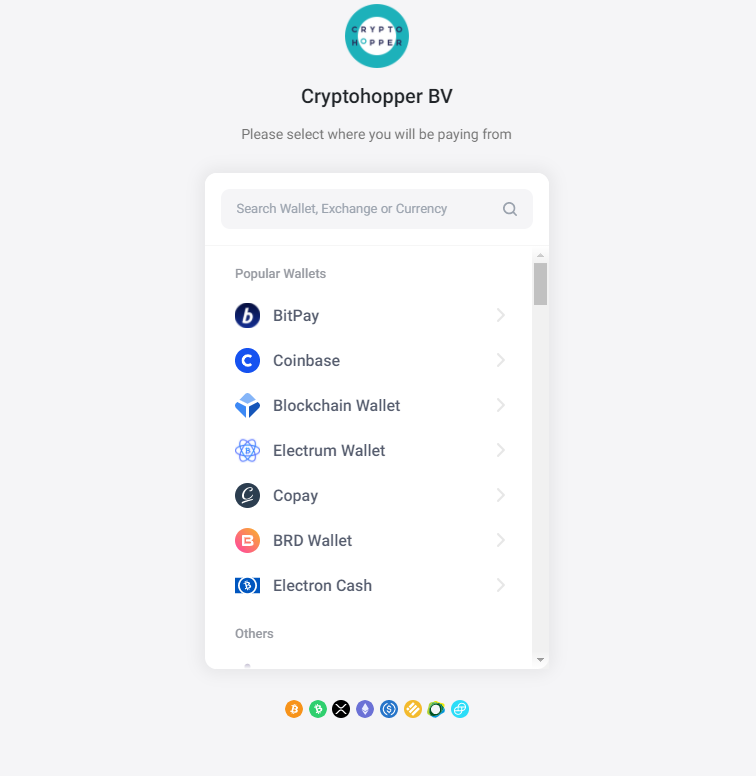
Selecteer wallet of beurs
Elke wallet of beurs toont de informatie die nodig is om de overschrijving te voltooien. Let op: BitPay ondersteunt Binance niet, omdat alle Binance-betalingen worden samengevoegd in één transactie, wat problemen veroorzaakt bij het automatisch matchen van betalingen.
Betaalmogelijkheden
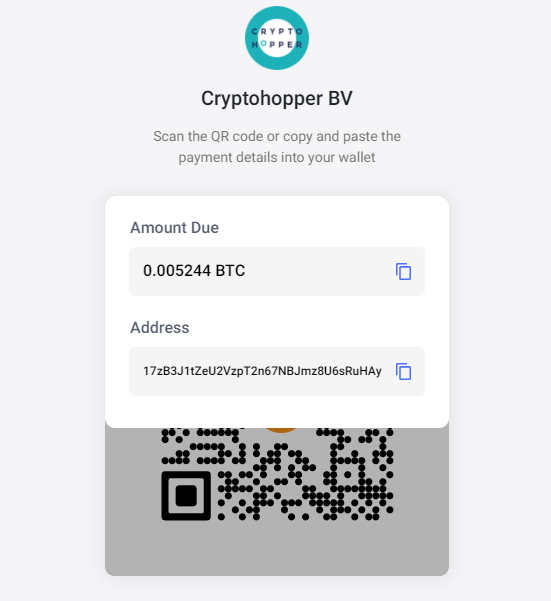
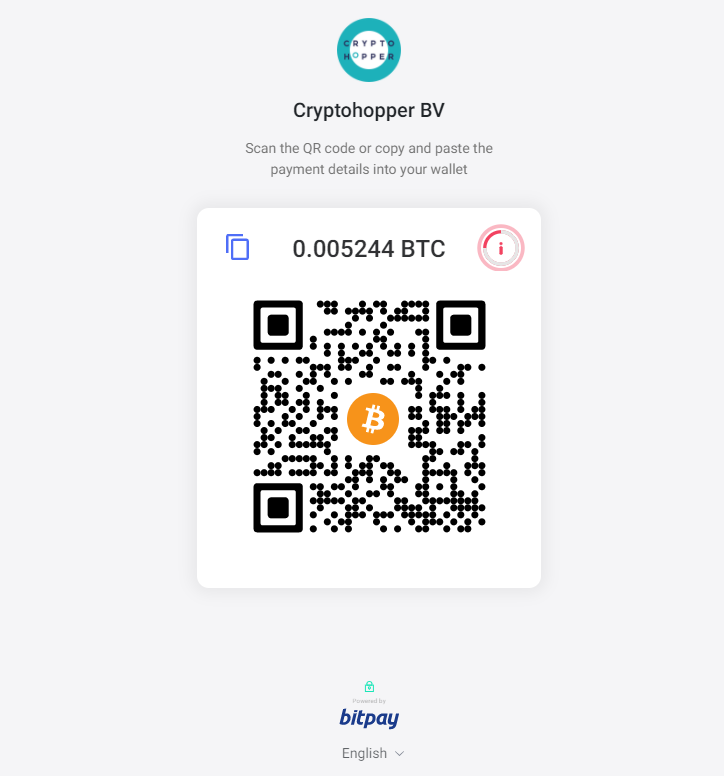
Je hebt twee opties om jouw betaling te voltooien:
Optie 1 — QR-code Scan de QR-code met je telefoon of tablet om de betaling direct te voltooien.
Optie 2 — Beurs- of walletopname Ga naar jouw beurs of wallet, selecteer "Opnemen" voor jouw gekozen valuta en plak de betalingsgegevens die door BitPay zijn verstrekt. Controleer alle informatie dubbel voordat je bevestigt — betalingen kunnen niet worden teruggedraaid.
Na het bevestigen van jouw betaling ontvang je een bevestigingsmail en factuur. De verwerkingstijd varieert afhankelijk van de gebruikte valuta. Zodra de betaling is verwerkt, wordt jouw abonnement geactiveerd.