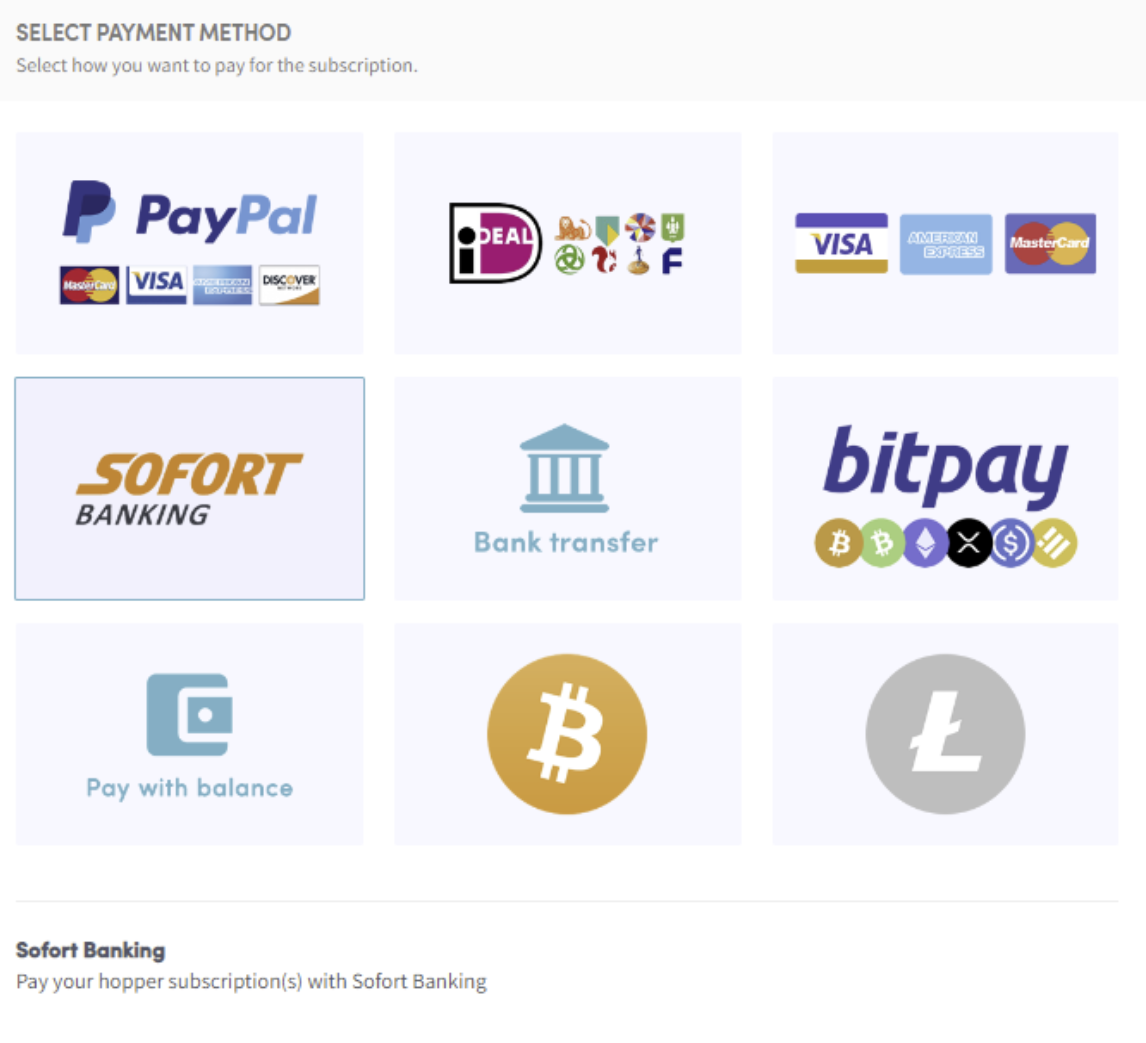
Hoe betalen met Sofort banking
Deze handleiding laat je zien hoe je een Cryptohopper-abonnement betaalt met Sofort banking.
Vereisten
- Een Cryptohopper-account.
- De mogelijkheid om te betalen via Sofort banking. Let op: deze optie is niet beschikbaar voor alle klanten.
Stappen
- Log in op je Cryptohopper-account.
- Klik op "Subscriptions".
- Klik op "New subscription".
- Klik op "Subscribe now" bij het abonnement dat je wilt kopen.
- Selecteer de betalingstermijn — maandelijks of jaarlijks.
- Klik op "Sofort banking".
- Klik op "Complete your order". Je wordt doorgestuurd naar de Sofort Banking-pagina.
- Kies de bank die je wilt gebruiken. Je wordt doorgestuurd naar de pagina van je bank.
- Voltooi de betaling.
- Je ontvangt een bevestigingsmail met alle details.