Hoe te betalen met Bitcoin (tijdelijk niet beschikbaar)
Deze handleiding laat je zien hoe je een Cryptohopper-abonnement kunt betalen met Bitcoin.
waarschuwing
Bitcoin-betalingen zijn tijdelijk niet beschikbaar.
Vereisten
- Een Cryptohopper-account.
- Een crypto-wallet of beurs met Bitcoin beschikbaar voor betaling.
Stappen
- Log in op je Cryptohopper-account.
- Klik op "Abonnementen".
- Klik op "Nieuw abonnement".
- Klik op "Nu abonneren" bij het abonnement dat je wilt kopen.
- Selecteer de betalingstermijn.
- Klik op het Bitcoin-logo.
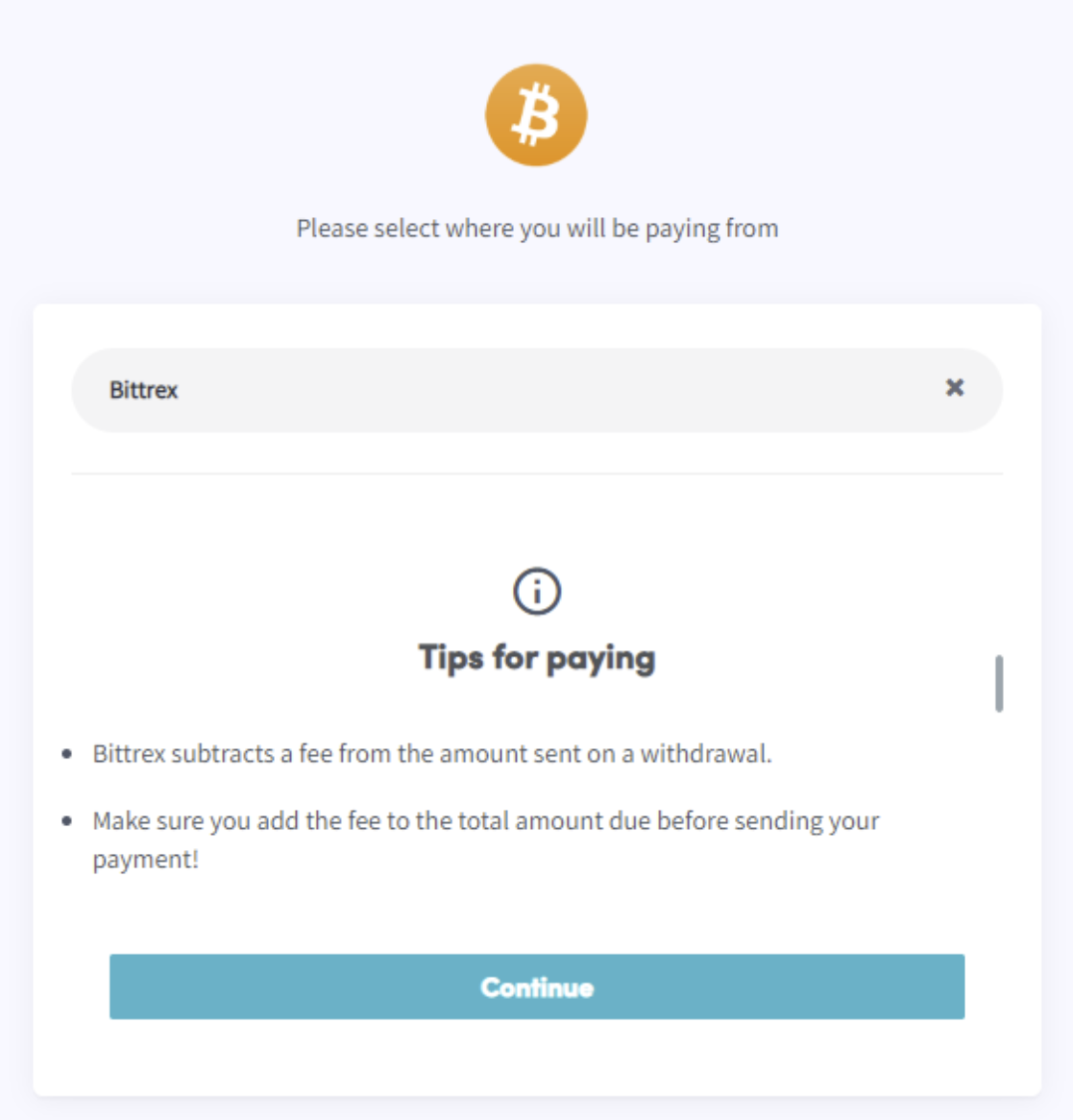
- Klik op "Voltooi je bestelling". Je wordt doorgestuurd naar een pagina waar je je wallet of beurs kunt selecteren.
- Lees de tips op de pagina.
- Betaal via je wallet of door de QR-code te scannen.
- Voltooi de betaling.
- Je ontvangt een bevestigingsmail met alle details.