Hoe je jouw Cryptohopper-profiel gebruikt
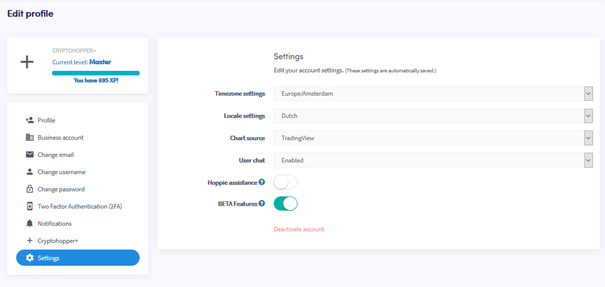
Deze handleiding laat je zien hoe je de profielinstellingen van jouw Cryptohopper kunt openen en wijzigen.
Vereisten
- Een Cryptohopper-account.
Stappen
- Log in op jouw Cryptohopper-account.
- Klik op de profielknop rechtsboven.
- Klik op "Mijn account".
- Klik op "Gebruikersprofiel".
- Klik op "Instellingen".
- Wijzig de instellingen die je wilt bijwerken.