Come configurare un Segnale
Questa guida ti mostra come abbonarti a un Signaler e configurarlo per funzionare con il tuo trading bot.
Prerequisiti
- Un abbonamento Cryptohopper Explorer, Adventurer o Hero.
Passaggi
Abbonati a un Signaler
- Accedi al tuo account Cryptohopper.
- Clicca su "Marketplace".
- Clicca su "Segnali".
- Scegli un Signaler. Non sei sicuro di quale scegliere? Vedi come selezionare un Signaler ?
- Clicca su quel Signaler.
- Clicca su "Iscriviti" o "Acquista" e completa il pagamento se richiesto.
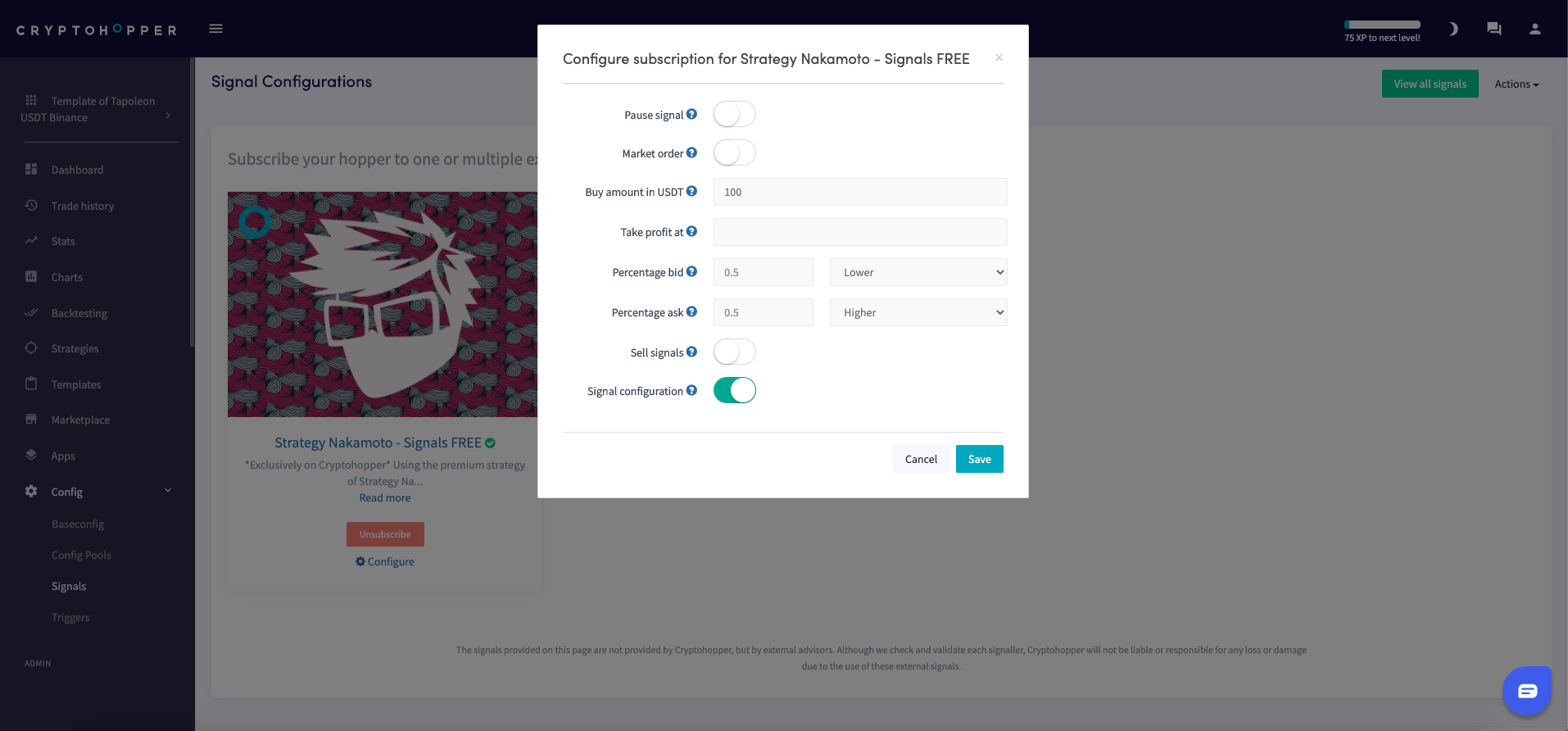
- Clicca su "Configura".
- Configura le impostazioni del Segnale. (Opzionale)
- Clicca su "Salva".
Aggiungi il Segnale al tuo bot
- Clicca su "I miei bot" e apri il bot dove vuoi aggiungere il Segnale.
- Clicca su "Configurazione" poi su "Baseconfig".
- Seleziona le valute che vuoi tradare. Rivedi il report di performance del Signaler per confermare che i segnali siano stati inviati per la tua valuta di quotazione, le tue valute selezionate in "Coin e quantità" e l'exchange che stai usando.
- Clicca su "Strategia".
- Attiva il toggle "Solo segnali" solo se vuoi affidarti esclusivamente ai segnali. Se lo fai, compila anche "Numero di obiettivi da acquistare". Altrimenti, lascialo disattivato.
- Clicca su "Salva".
suggerimento
Se usi i Triggers per caricare diversi template, devi abbonarti al Signaler in entrambi i template — i segnali non verranno ricevuti quando il tuo bot passa a un template che non ha l'abbonamento. Vedi Impostazioni configurazione segnale per maggiori dettagli.