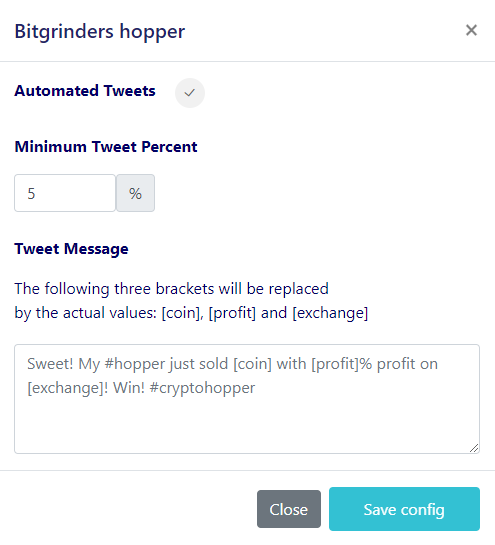
Wie du einen CryptoTweeter einrichtest
Warnung
Der CryptoTweeter wurde eingestellt. Siehe diesen Artikel für weitere Informationen.
Diese Anleitung zeigt dir, wie du den CryptoTweeter einrichtest.
Voraussetzungen
- Ein Cryptohopper-Konto.
- Ein Twitter-Konto.
Schritte
- Gehe zu deinem Cryptohopper-Konto und klicke auf "Marketplace".
- Klicke auf "Apps".
- Klicke auf "CryptoTweeter".
- Wähle aus, was du verbinden möchtest.
- Melde dich mit Cryptohopper an. Dies startet den OAuth-Authentifizierungsprozess, der es Cryptohopper ermöglicht, Daten zu lesen und Tweets in deinem Namen zu posten.
- Bestätige die Authentifizierung.
- Verbinde dich mit Twitter.
- Wähle den Bot aus, den du zum Tweeten verwenden möchtest.
- Wähle deine Prozentsätze aus.
- Erstelle deine Twitter-Nachricht.