How to set up a CryptoTweeter
varování
The CryptoTweeter has been discontinued. See this article for more information.
This guide shows you how to set up the CryptoTweeter.
Prerequisites
- A Cryptohopper account.
- A Twitter account.
Steps
- Go to your Cryptohopper account and click "Marketplace".
- Click "Apps".
- Click "CryptoTweeter".
- Select what you want to connect.
- Log in with Cryptohopper. This starts the OAuth authentication process, which allows Cryptohopper to read data and post tweets on your behalf.
- Approve the authentication.
- Connect with Twitter.
- Select the bot you want to use for tweeting.
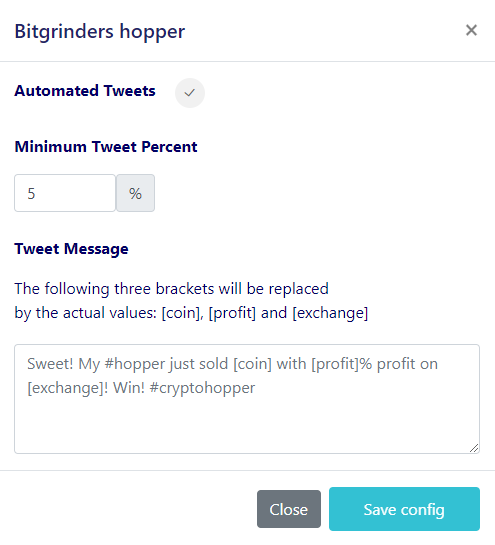
- Select your percentages.
- Create your Twitter message.