Comment configurer un CryptoTweeter
avertissement
Le CryptoTweeter a été arrêté. Consulte cet article pour plus d'informations.
Ce guide te montre comment configurer le CryptoTweeter.
Conditions
- Un compte Cryptohopper.
- Un compte Twitter.
Étapes
- Accède à ton compte Cryptohopper et clique sur "Marketplace".
- Clique sur "Apps".
- Clique sur "CryptoTweeter".
- Sélectionne ce que tu veux connecter.
- Connecte-toi avec Cryptohopper. Cela lance le processus d'authentification OAuth, qui permet à Cryptohopper de lire des données et de publier des tweets en ton nom.
- Approuve l'authentification.
- Connecte-toi avec Twitter.
- Sélectionne le bot que tu veux utiliser pour tweeter.
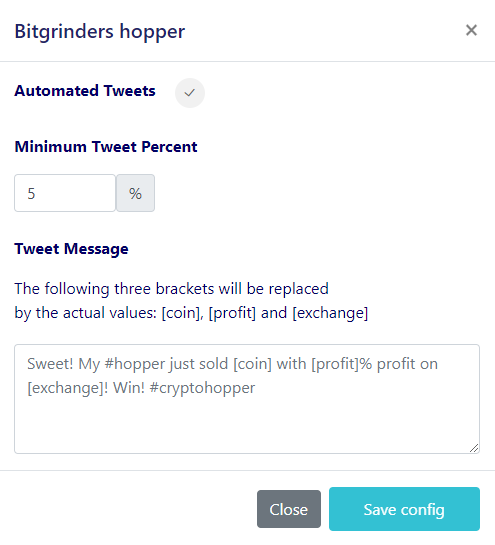
- Sélectionne tes pourcentages.
- Crée ton message Twitter.