What are the General settings in the Baseconfig?
An explanation of every General setting in your Baseconfig — Basic settings, Exchange, and Notifications.
Also see: Buy settings in the Baseconfig · Sell settings in the Baseconfig
Basic settings
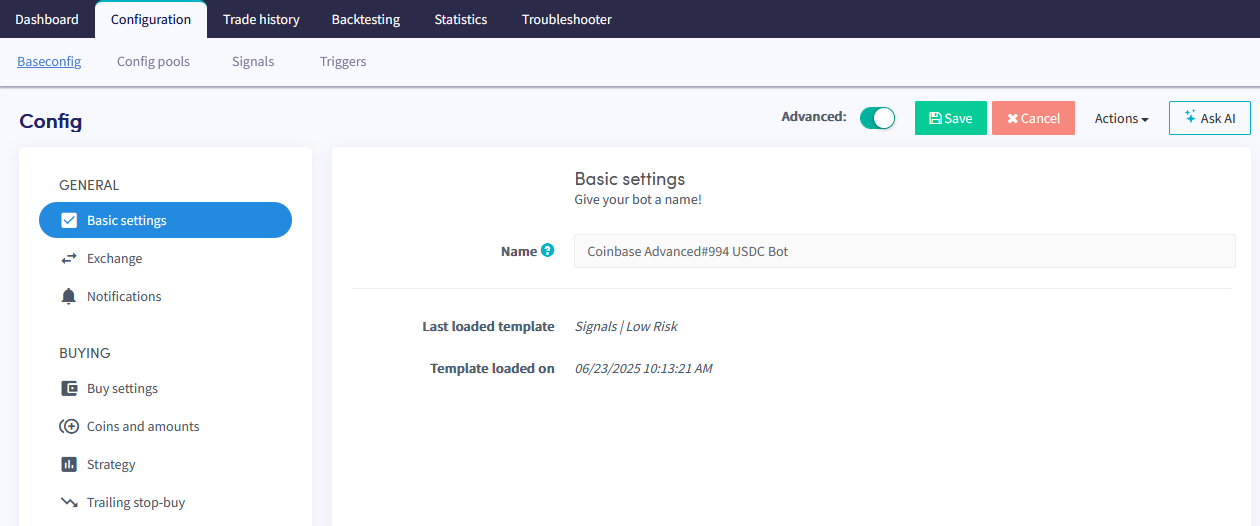
Name Give your bot a name.
Paper trading Switch the Paper Trading toggle to trade with simulated funds. To trade with real funds, fill in your API keys instead. For more information on how to connect your exchange, see the exchange connection guide.
Use ticker rate Determines at what price level the Trading Bot places orders. Choose from three options:
- Highest bid/Lowest ask — the bot uses the highest bidding rate for sells and the lowest asking rate for buys.
- Use last tick if higher/lower — the buy or sell price will be the last tick value when it is more favourable.
- Always use last tick — the bot always uses the last tick's price, regardless of price fluctuations.
Notifications
Notification on trade Switch the toggle to receive a notification whenever your bot makes a trade.
Notification on trade error Switch the toggle to receive a notification when a trade error occurs.
Notify on canceled order Switch the toggle to receive a notification when an order is canceled.
Weekly update Switch the toggle to receive a weekly summary of your bot's activity.