Como criar um novo bot com o Assistente de Configuração
Este guia mostra como criar um novo bot usando o Assistente de Configuração.
Pré-requisitos
- Uma conta Cryptohopper.
Etapas
- No menu superior esquerdo, clique em "Meus bots".
- Clique em "Ver todos".
- Clique em "Assistente de Configuração" na seção superior direita.
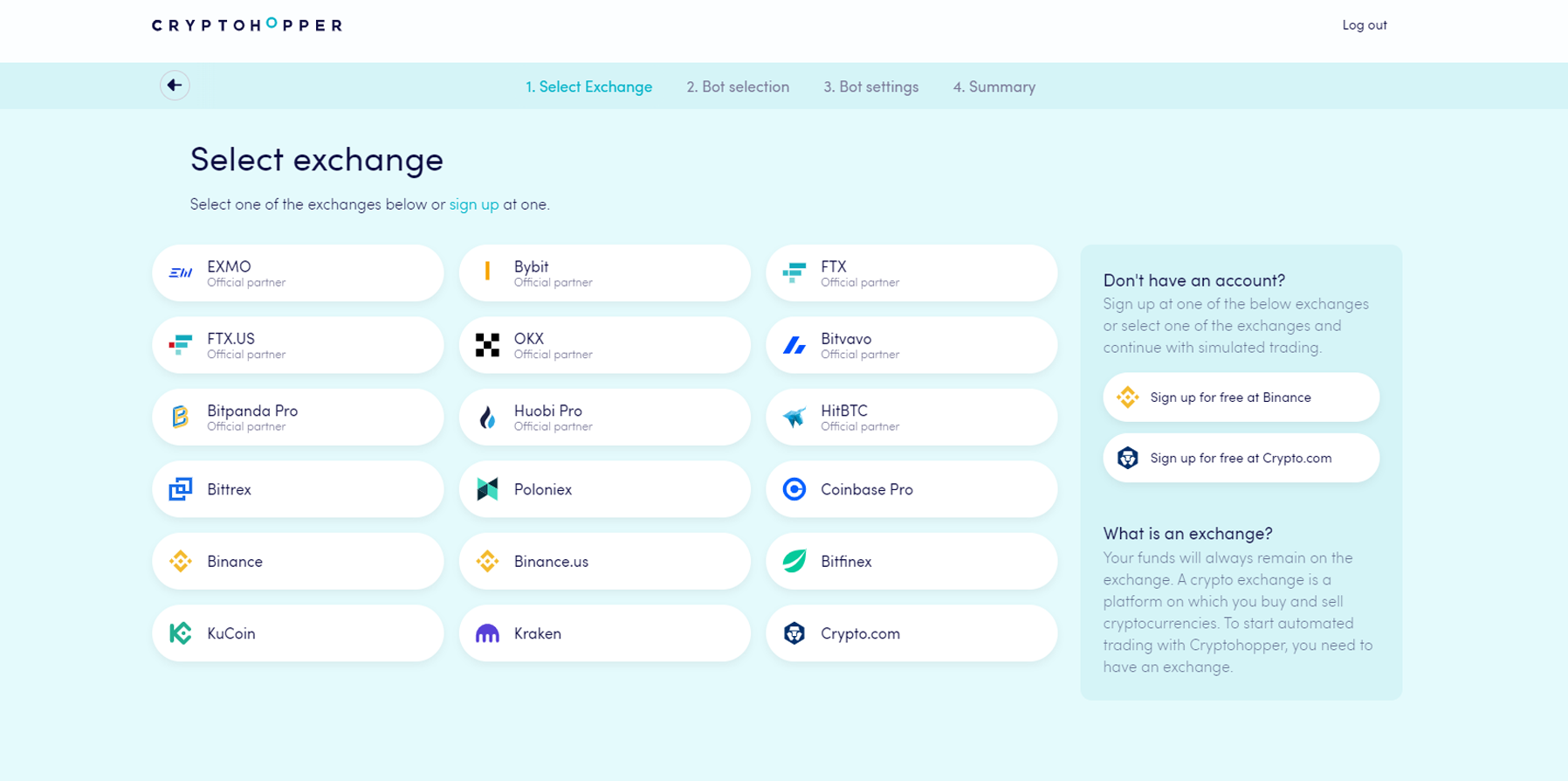
- Escolha a corretora que você deseja usar e clique nela.
- Preencha suas Chaves de API — ou clique em "Fundos simulados" e selecione sua moeda de cotação.
- Clique em "Continuar".
- Escolha entre "Seguir sinais" e "Construa seu bot".
- Se você escolheu "Seguir sinais": selecione o Sinalizador que você deseja seguir e clique em "Inscrever-se".
- Se você escolheu "Construa seu bot": clique na estratégia de risco que você deseja usar.
- Revise o resumo do seu bot e clique em "Começar a negociar".