Wie du einen neuen Bot mit dem Konfigurations-Wizard erstellst
Dieser Leitfaden zeigt dir, wie du einen neuen Bot mit dem Konfigurations-Wizard erstellst.
Voraussetzungen
- Ein Cryptohopper-Konto.
Schritte
- Klicke im Menü oben links auf "Meine Bots".
- Klicke auf "Alle anzeigen".
- Klicke auf "Konfigurations-Wizard" im oberen rechten Bereich.
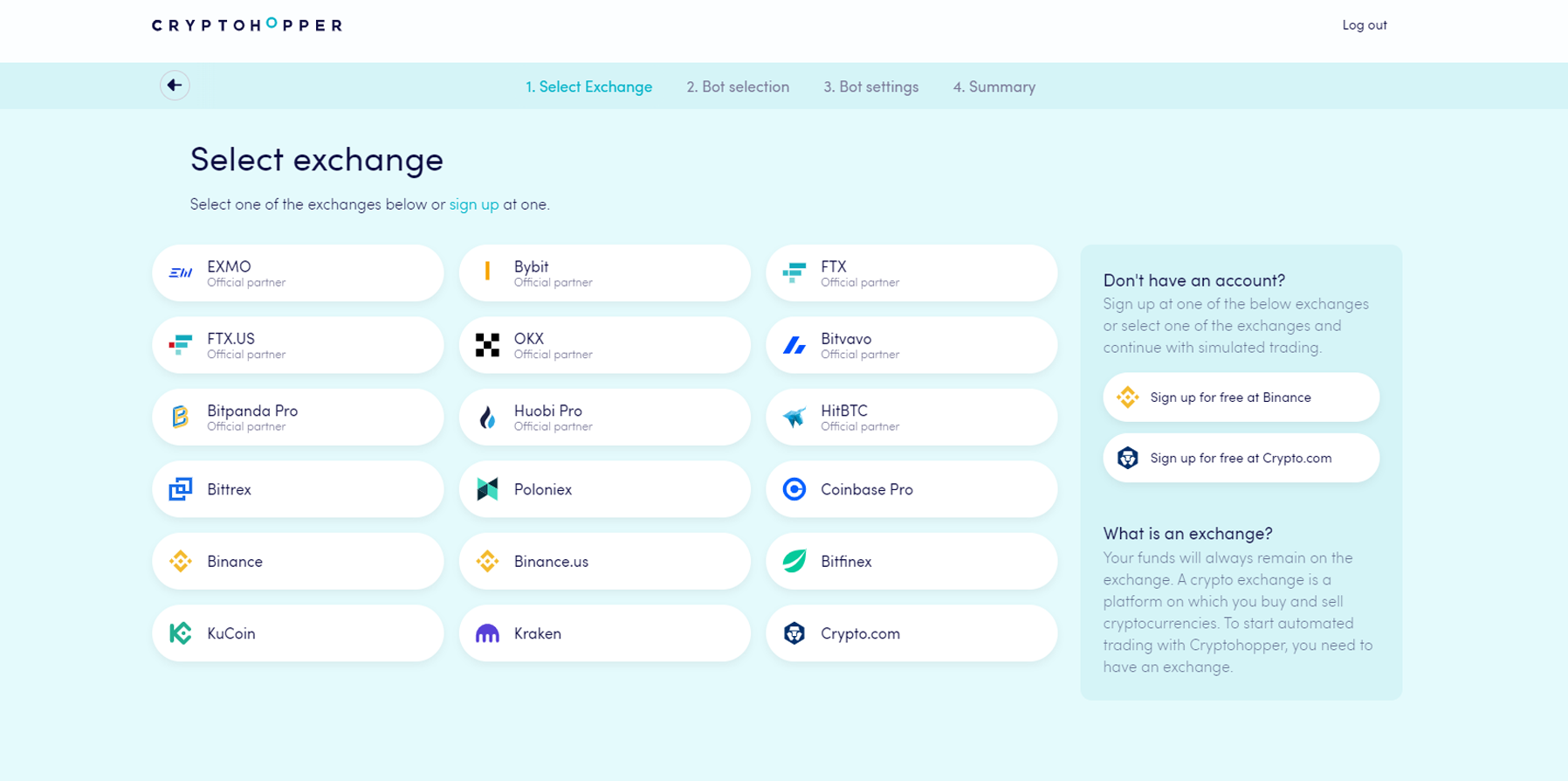
- Wähle die Börse aus, die du verwenden möchtest, und klicke darauf.
- Gib deine API-Schlüssel ein — oder klicke auf "Simulierte Gelder" und wähle deine Kurswährung aus.
- Klicke auf "Weiter".
- Wähle zwischen "Signalen folgen" und "Baue deinen Bot".
- Wenn du "Signalen folgen" gewählt hast: wähle den Signalgeber aus, dem du folgen möchtest, und klicke auf "Abonnieren".
- Wenn du "Baue deinen Bot" gewählt hast: klicke auf die Risikostrategie, die du verwenden möchtest.
- Überprüfe die Zusammenfassung deines Bots und klicke auf "Trading starten".