How to create a new bot with the Config Wizard
This guide shows you how to create a new bot using the Config Wizard.
Prerequisites
Steps
- In the top-left menu, click "My bots".
- Click "View all".
- Click "Config Wizard" in the top-right section.
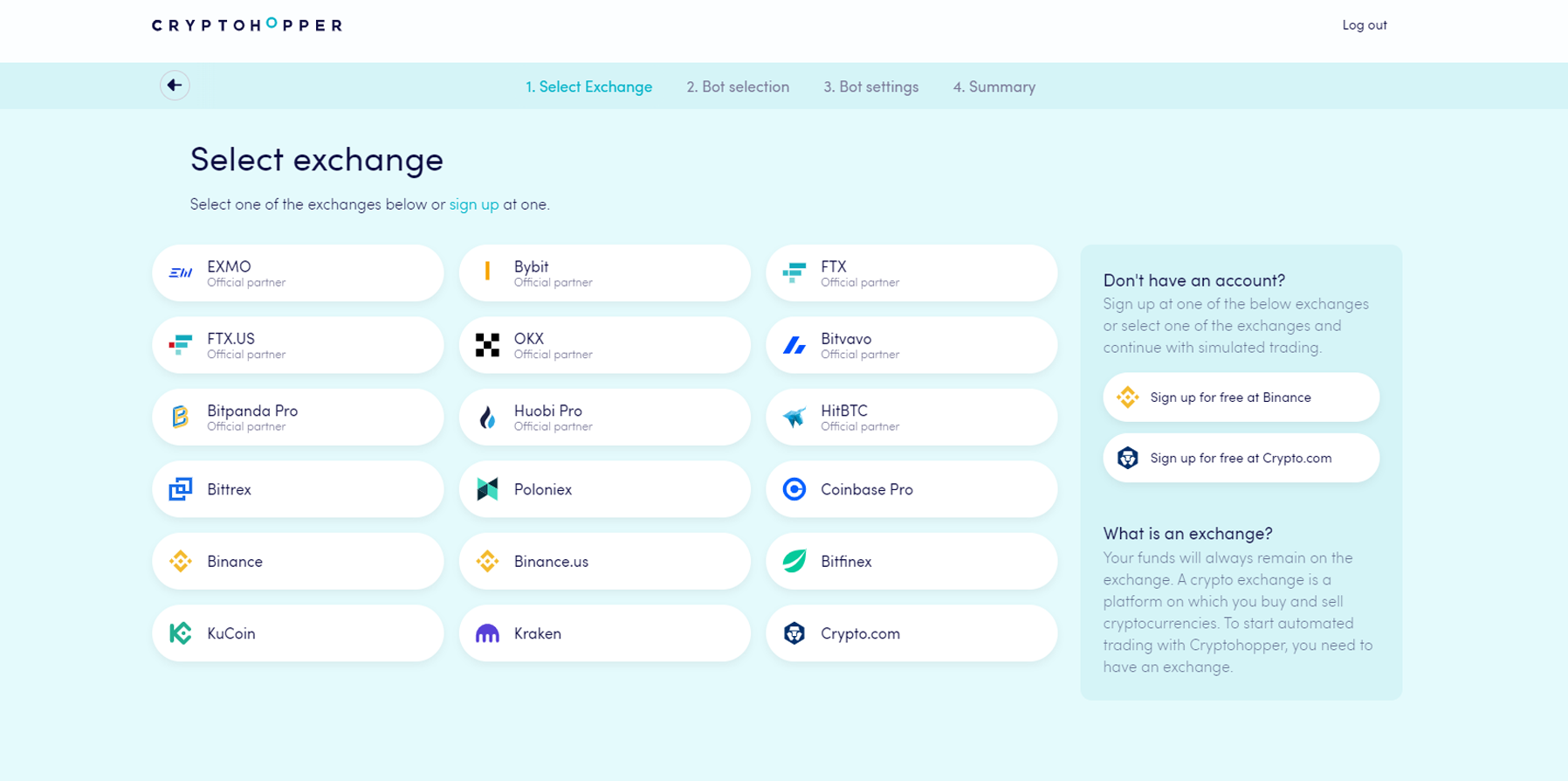
- Choose the exchange you want to use and click on it.
- Fill in your API Keys — or click "Simulated funds" and select your quote currency.
- Click "Continue".
- Choose between "Follow signals" and "Build your bot".
- If you chose "Follow signals": select the Signaler you want to follow and click "Subscribe".
- If you chose "Build your bot": click on the risk strategy you want to use.
- Review the summary of your bot and click "Start trading".