Jak utworzyć nowego bota za pomocą Kreatora konfiguracji
Ten przewodnik pokazuje, jak utworzyć nowego bota za pomocą Kreatora konfiguracji.
Wymagania wstępne
Kroki
- W menu w lewym górnym rogu kliknij "Moje boty".
- Kliknij "Wyświetl wszystko".
- Kliknij "Kreator konfiguracji" w prawym górnym rogu.
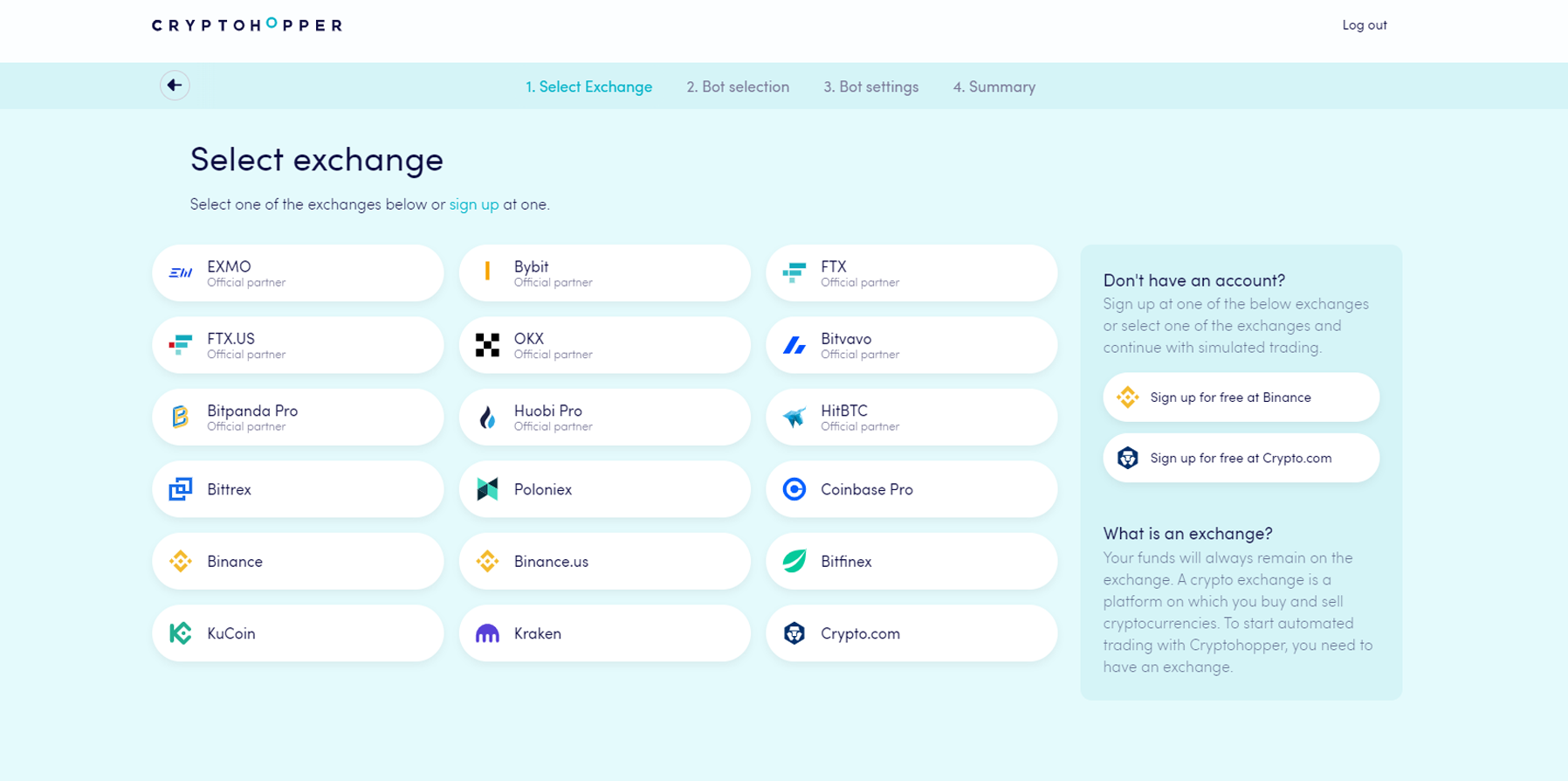
- Wybierz giełdę, której chcesz użyć i kliknij na nią.
- Wprowadź swoje klucze API — lub kliknij "Symulowane fundusze" i wybierz swoją walutę kwotowaną.
- Kliknij "Kontynuuj".
- Wybierz między "Śledź sygnały" a "Zbuduj swojego bota".
- Jeśli wybrałeś "Śledź sygnały": wybierz dostawcę sygnałów, którego chcesz śledzić i kliknij "Subskrybuj".
- Jeśli wybrałeś "Zbuduj swojego bota": kliknij na strategię ryzyka, której chcesz użyć.
- Przejrzyj podsumowanie swojego bota i kliknij "Rozpocznij handel".