Cómo crear un nuevo bot con el Asistente de Configuración
Esta guía te muestra cómo crear un nuevo bot usando el Asistente de Configuración.
Prerrequisitos
Pasos
- En el menú superior izquierdo, haz clic en "Mis bots".
- Haz clic en "Ver todos".
- Haz clic en "Asistente de Configuración" en la sección superior derecha.
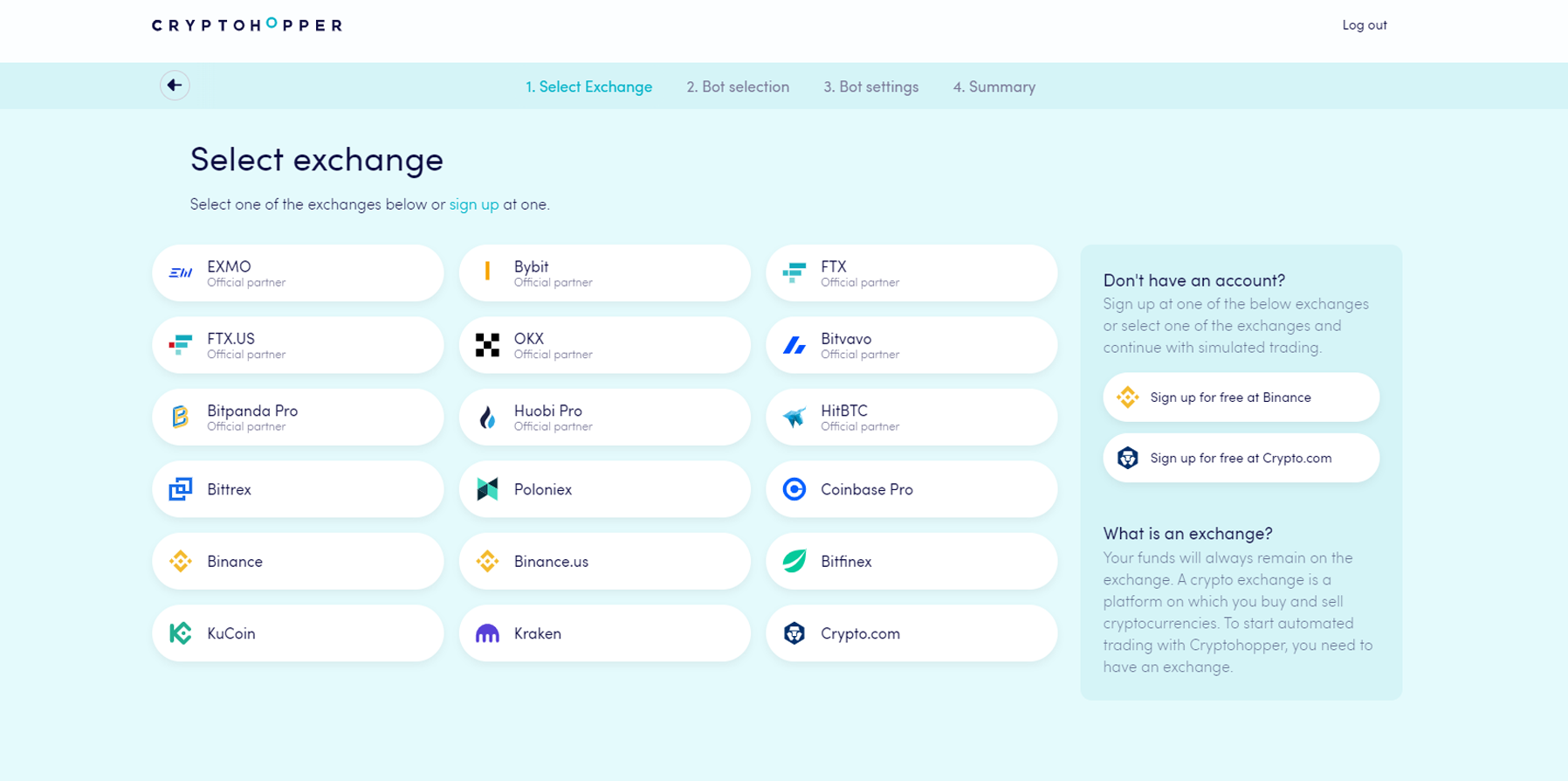
- Elige el exchange que quieres usar y haz clic en él.
- Completa tus Claves API — o haz clic en "Fondos simulados" y selecciona tu moneda de cotización.
- Haz clic en "Continuar".
- Elige entre "Seguir señales" y "Construye tu bot".
- Si elegiste "Seguir señales": selecciona el señalizador que quieres seguir y haz clic en "Suscribirse".
- Si elegiste "Construye tu bot": haz clic en la estrategia de riesgo que quieres usar.
- Revisa el resumen de tu bot y haz clic en "Empezar a operar".