How to pay with Bitcoin (temporarily unavailable)
This guide shows you how to pay for a Cryptohopper subscription using Bitcoin.
警告
Bitcoin payments are temporarily unavailable.
Prerequisites
- A Cryptohopper account.
- A crypto wallet or exchange with Bitcoin available for payment.
Steps
- Log in to your Cryptohopper account.
- Click "Subscriptions".
- Click "New subscription".
- Click "Subscribe now" on the subscription you want to buy.
- Select the payment term.
- Click the Bitcoin logo.
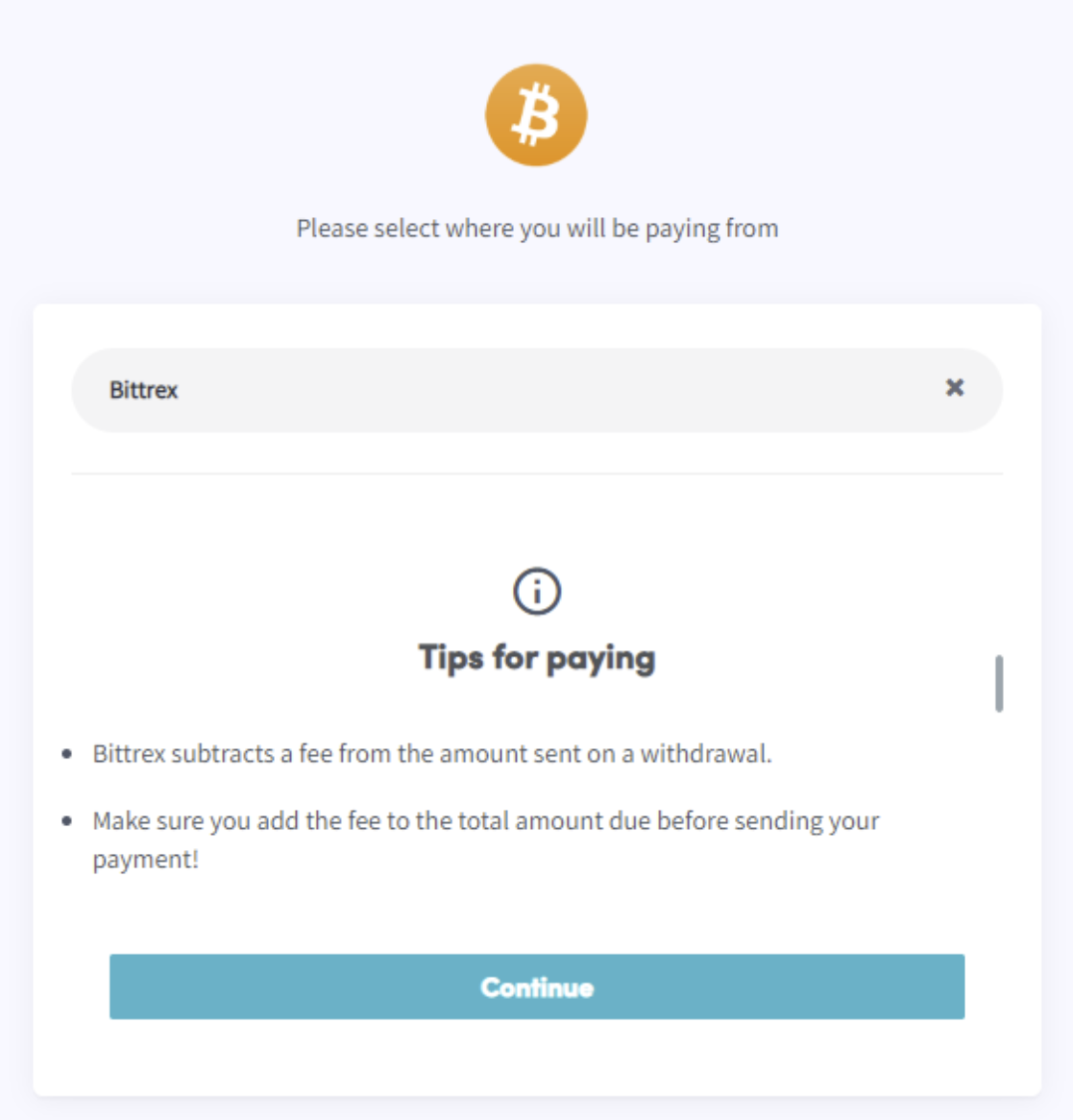
- Click "Complete your order". You will be redirected to a page where you can select your wallet or exchange.
- Read the tips on the page.
- Pay via your wallet or by scanning the QR code.
- Complete the payment.
- You will receive a confirmation email with all the details.