Come pagare con Bitcoin (temporaneamente non disponibile)
Questa guida ti mostra come pagare un abbonamento Cryptohopper usando Bitcoin.
avviso
I pagamenti con Bitcoin sono temporaneamente non disponibili.
Prerequisiti
- Un account Cryptohopper.
- Un wallet crypto o un exchange con Bitcoin disponibili per il pagamento.
Passaggi
- Accedi al tuo account Cryptohopper.
- Clicca su "Abbonamenti".
- Clicca su "Nuovo abbonamento".
- Clicca su "Abbonati ora" sull'abbonamento che vuoi acquistare.
- Seleziona la durata del pagamento.
- Clicca sul logo Bitcoin.
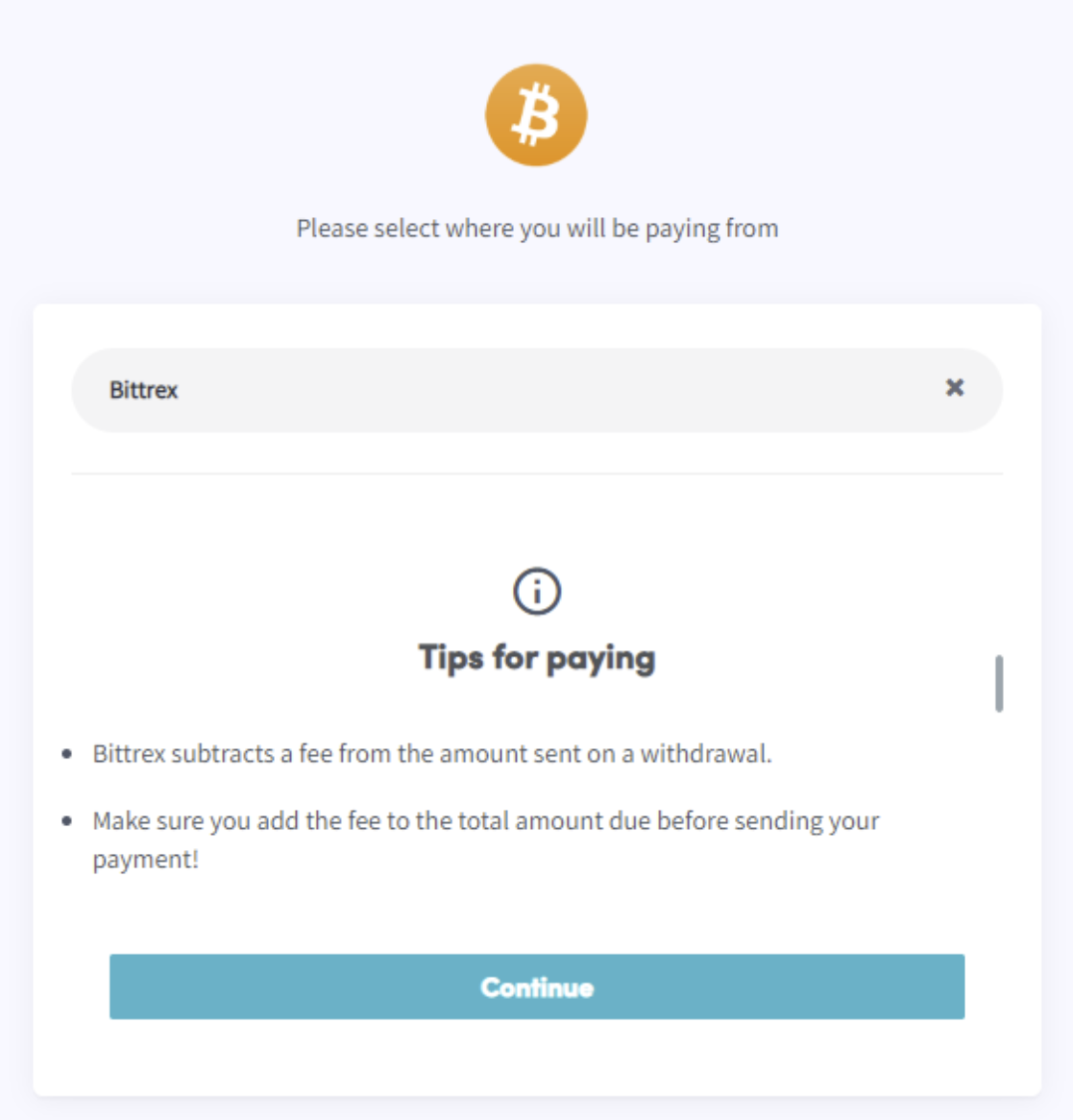
- Clicca su "Completa il tuo ordine". Verrai reindirizzato a una pagina dove puoi selezionare il tuo wallet o exchange.
- Leggi i suggerimenti sulla pagina.
- Paga tramite il tuo wallet o scansionando il codice QR.
- Completa il pagamento.
- Riceverai un'email di conferma con tutti i dettagli.