Wie man mit Bitcoin bezahlt (vorübergehend nicht verfügbar)
Diese Anleitung zeigt dir, wie du ein Cryptohopper-Abonnement mit Bitcoin bezahlen kannst.
Warnung
Bitcoin-Zahlungen sind vorübergehend nicht verfügbar.
Voraussetzungen
- Ein Cryptohopper-Konto.
- Eine Krypto-Wallet oder Börse mit verfügbarem Bitcoin für die Zahlung.
Schritte
- Melde dich bei deinem Cryptohopper-Konto an.
- Klicke auf "Abonnements".
- Klicke auf "Neues Abonnement".
- Klicke auf "Jetzt abonnieren" bei dem Abonnement, das du kaufen möchtest.
- Wähle die Zahlungslaufzeit aus.
- Klicke auf das Bitcoin-Logo.
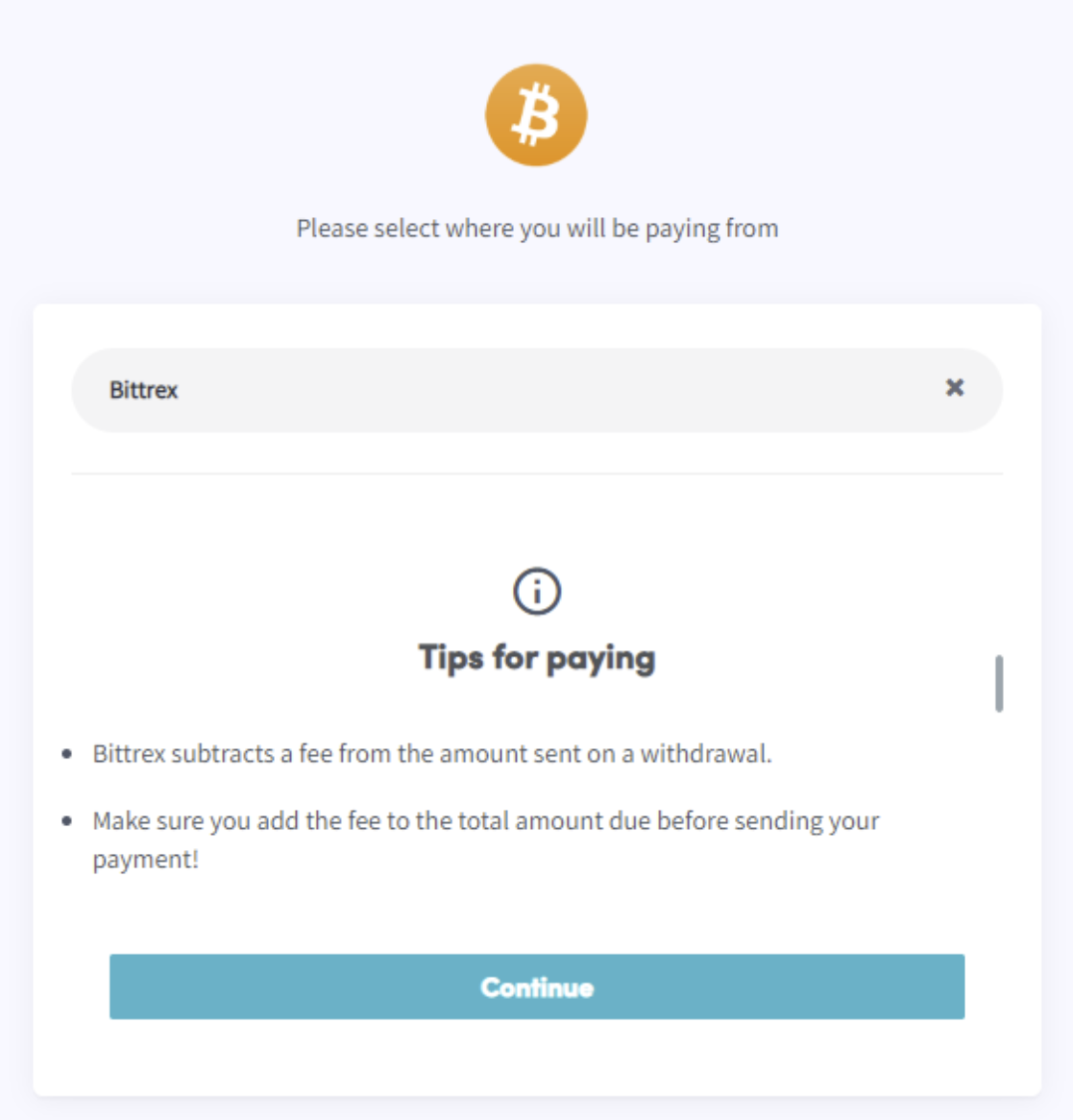
- Klicke auf "Bestellung abschließen". Du wirst zu einer Seite weitergeleitet, auf der du deine Wallet oder Börse auswählen kannst.
- Lies die Tipps auf der Seite.
- Bezahle über deine Wallet oder durch Scannen des QR-Codes.
- Schließe die Zahlung ab.
- Du erhältst eine Bestätigungs-E-Mail mit allen Details.