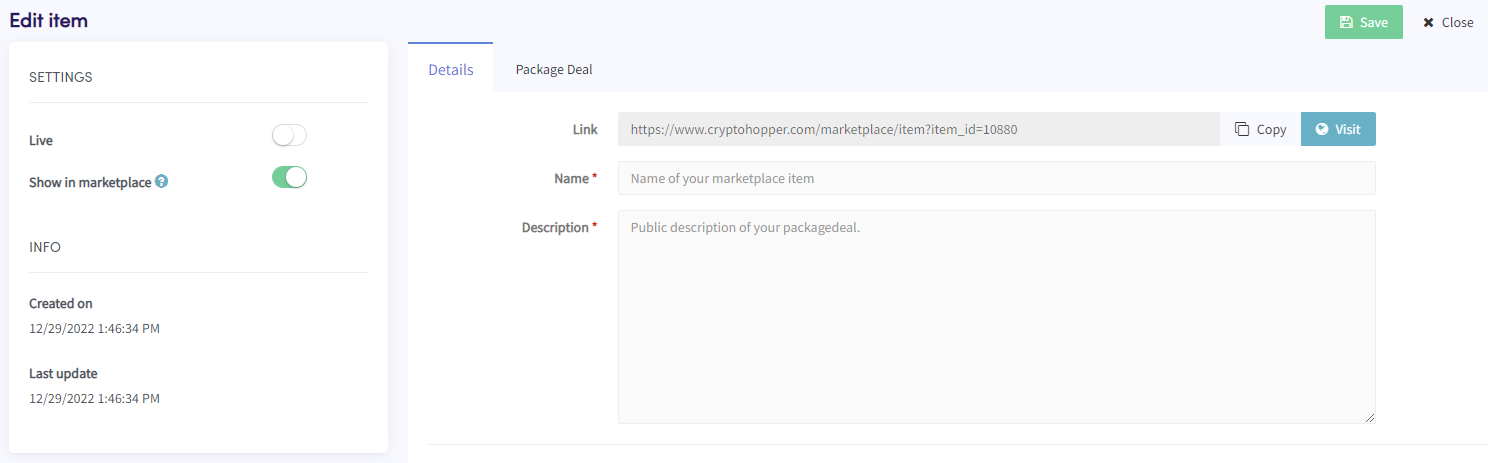
Hoe voeg je een Package Deal toe als marktplaatsverkoper
Deze gids laat je zien hoe je een Package Deal toevoegt aan de Cryptohopper Marktplaats.
Vereisten
- Een Cryptohopper-account.
- Goedgekeurde status als marktplaatsverkoper. Zie hoe je je kunt aanmelden als marktplaatsverkoper.
Stappen
- Log in op je Cryptohopper-account.
- Klik op "Marktplaats".
- Klik op "Marktplaats items".
- Klik op "Nieuw item".
- Klik op "Package Deal".
- Klik op "Doorgaan".
- Vul alle vereiste velden in.
- Klik op het tabblad "Package Deal".
- Klik op "Product(en) toevoegen".
- Selecteer een product en klik op "Toevoegen".
- Herhaal dit voor alle producten die je wilt opnemen in de Package Deal.
- Klik op "Opslaan".