Hoe je TradingView gebruikt om handelssignalen te versturen als signaalgever

Klik op "Pine Editor" in TradingView, plak het script, klik op "Save" en sla het op als een strategie.
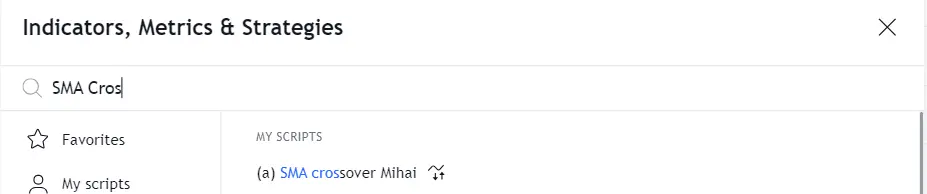
Voeg de strategie toe vanuit het menu Indicators.
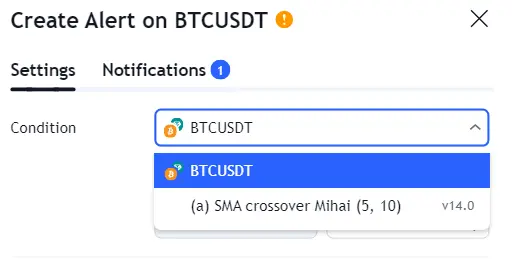
Klik opnieuw op het klokpictogram en vervolgens op het +-pictogram om een nieuwe alert aan te maken. Selecteer jouw strategie als voorwaarde.
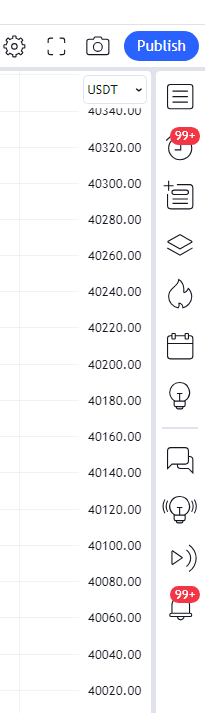
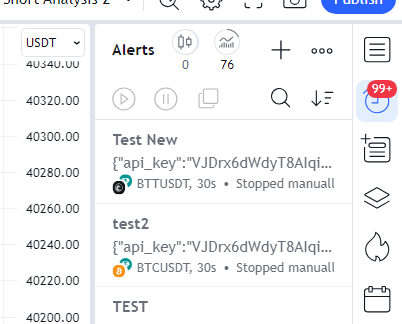

Kopieer de Webhook-URL van Cryptohopper en plak deze in het veld Webhook URL onder Meldingen in TradingView.
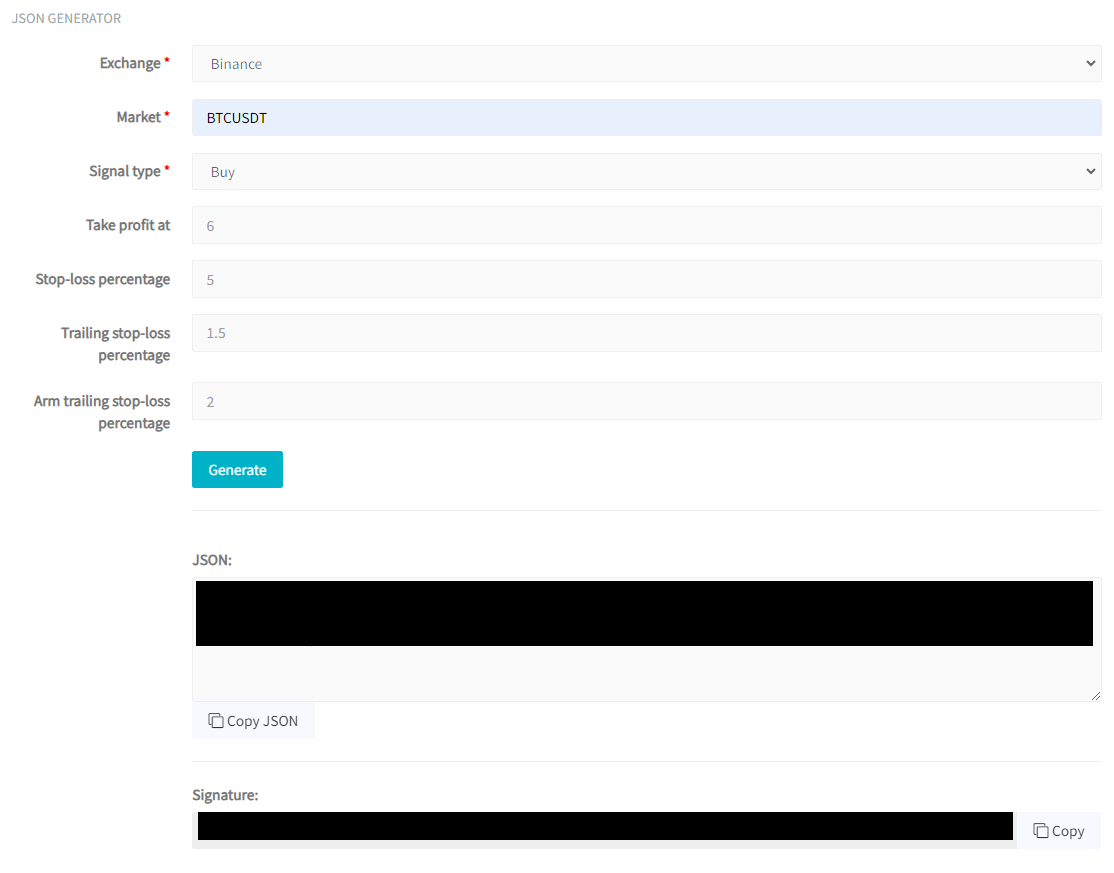
Ga terug naar Cryptohopper en selecteer jouw beurs (bijv. Binance) en markt (bijv. BTCUSDT). Selecteer voor Signaaltype strategy.order.action. Configureer optioneel Take Profit, Stop-Loss, Trailing Stop-Loss en Arm Trailing Stop-Loss. Klik op "Generate" en vervolgens op "Copy JSON".
Plak de JSON in het veld Message in TradingView, geef de alert een naam en klik op "Create".