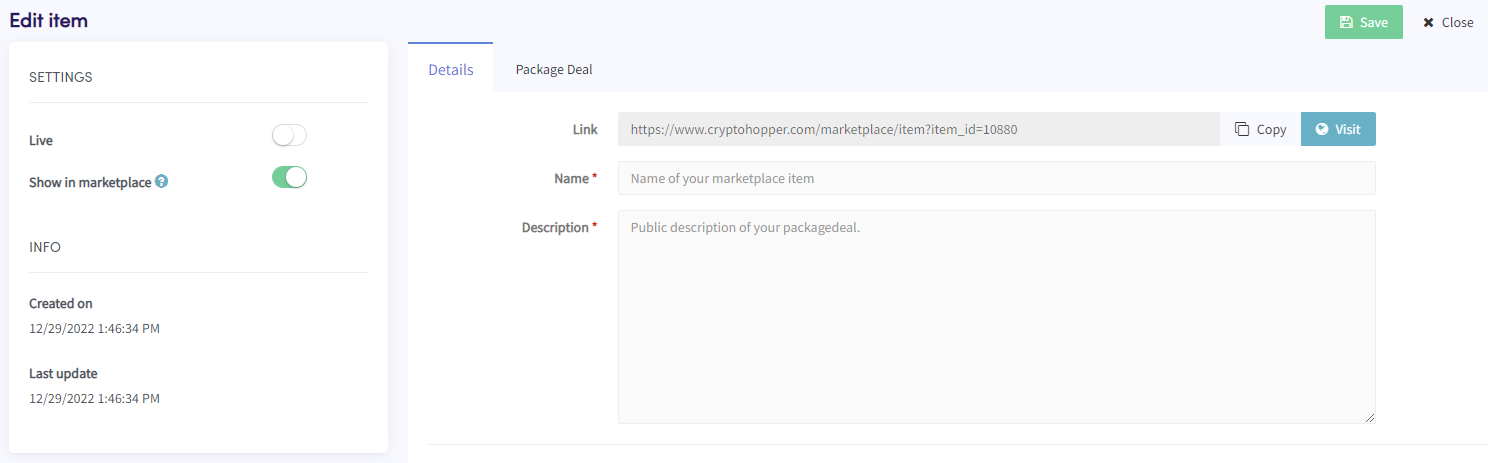
Come aggiungere un Package Deal come venditore del Marketplace
Questa guida ti mostra come aggiungere un Package Deal al Marketplace di Cryptohopper.
Prerequisiti
- Un account Cryptohopper.
- Stato approvato come Venditore del Marketplace. Vedi come candidarsi come Venditore del Marketplace.
Passaggi
- Accedi al tuo account Cryptohopper.
- Clicca su "Marketplace".
- Clicca su "Marketplace items".
- Clicca su "New Item".
- Clicca su "Package Deal".
- Clicca su "Continue".
- Compila tutti i campi obbligatori.
- Clicca sulla scheda "Package Deal".
- Clicca su "Add product(s)".
- Seleziona un prodotto e clicca su "Add".
- Ripeti per tutti i prodotti che vuoi includere nel Package Deal.
- Clicca su "Save".