Jak dodać Pakiet Ofertowy jako Sprzedawca na Rynku
Ten przewodnik pokazuje, jak dodać Pakiet Ofertowy na Rynku Cryptohopper.
Wymagania wstępne
- Konto Cryptohopper.
- Zatwierdzony status Sprzedawcy na Rynku. Zobacz jak ubiegać się o status Sprzedawcy na Rynku.
Kroki
- Zaloguj się na swoje konto Cryptohopper.
- Kliknij "Rynek".
- Kliknij "Pozycje rynkowe".
- Kliknij "Nowa pozycja".
- Kliknij "Pakiet Ofertowy".
- Kliknij "Kontynuuj".
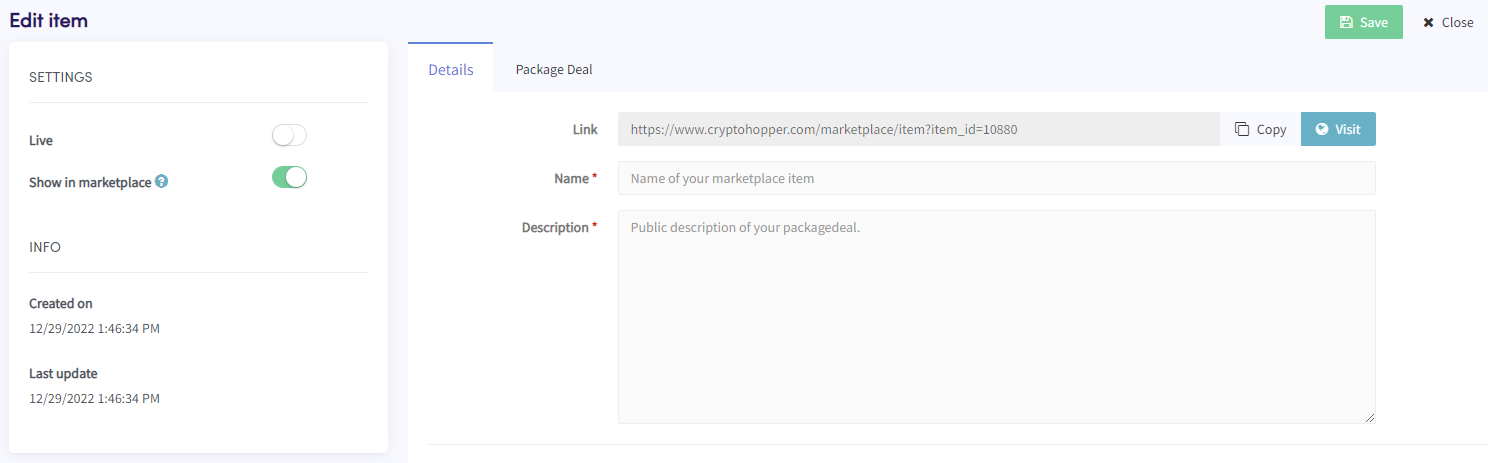
- Wypełnij wszystkie wymagane pola.
- Kliknij zakładkę "Pakiet Ofertowy".
- Kliknij "Dodaj produkt(y)".
- Wybierz produkt i kliknij "Dodaj".
- Powtórz dla wszystkich produktów, które chcesz uwzględnić w Pakiecie Ofertowym.
- Kliknij "Zapisz".