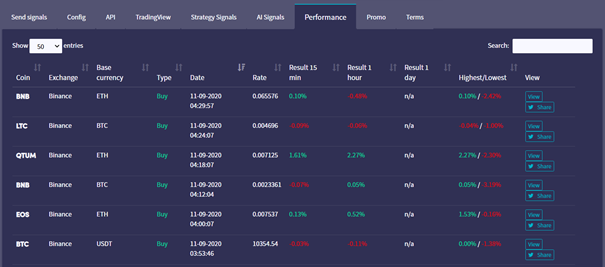
Hoe je als signaalgever je prestatiepagina kunt lezen
Deze gids laat je zien hoe je jouw prestatiepagina als signaalgever kunt lezen.
Vereisten
- Een Cryptohopper-account.
- Goedgekeurde status als signaalgever.
- Actieve signalen die worden verzonden.
Stappen
- Log in op je Cryptohopper-account.
- Klik op "Marktplaats".
- Klik op "Signaalgever Dashboard".
- Klik op "Prestatie" en bekijk je resultaten.