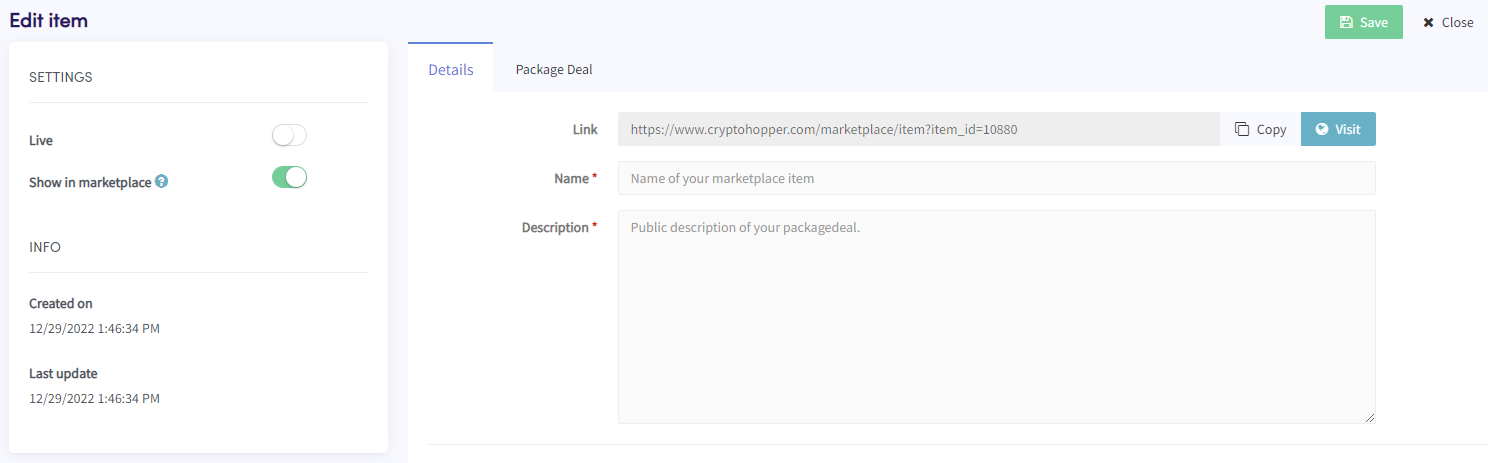
Comment ajouter un Package Deal en tant que Vendeur Marketplace
Ce guide te montre comment ajouter un Package Deal au Marketplace Cryptohopper.
Conditions
- Un compte Cryptohopper.
- Statut approuvé en tant que vendeur Marketplace. Consulte comment postuler en tant que vendeur Marketplace.
Étapes
- Connecte-toi à ton compte Cryptohopper.
- Clique sur "Marketplace".
- Clique sur "Éléments Marketplace".
- Clique sur "Nouvel Élément".
- Clique sur "Package Deal".
- Clique sur "Continuer".
- Remplis tous les champs requis.
- Clique sur l'onglet "Package Deal".
- Clique sur "Ajouter produit(s)".
- Sélectionne un produit et clique sur "Ajouter".
- Répète pour tous les produits que tu souhaites inclure dans le Package Deal.
- Clique sur "Enregistrer".