Hoe je een strategie of sjabloon toevoegt als marktplaatsverkoper
Deze handleiding laat je zien hoe je een strategie of sjabloon toevoegt aan de Cryptohopper-marktplaats.
Vereisten
- Een Cryptohopper-account.
- Goedgekeurde status als marktplaatsverkoper. Zie hoe je je kunt aanmelden als marktplaatsverkoper.
Stappen
- Log in op je Cryptohopper-account.
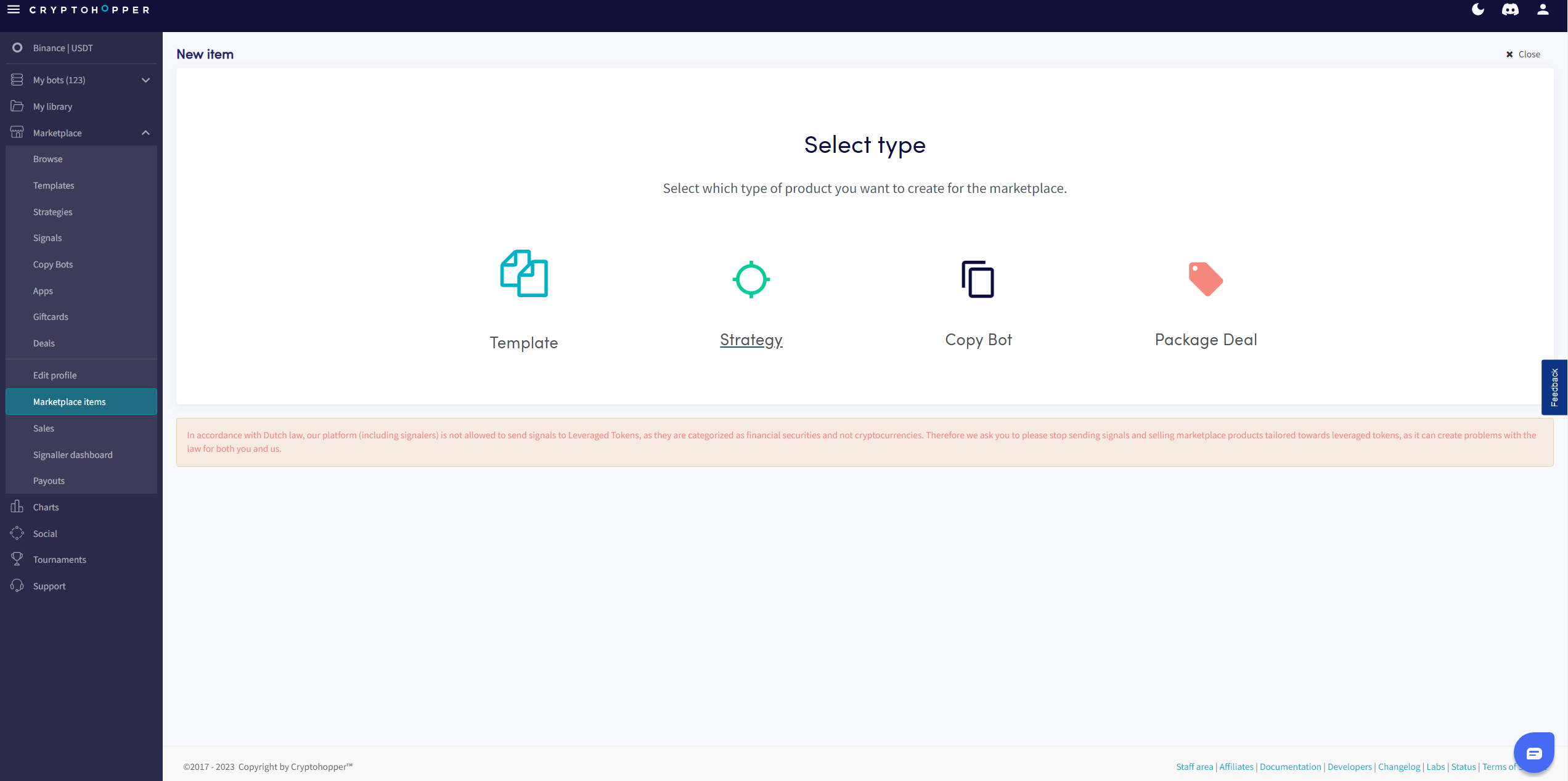
- Klik op "Marktplaatsitems".
- Klik op "Nieuw item".
- Klik op "Strategie" of "Sjabloon", afhankelijk van wat je wilt plaatsen.
- Selecteer de strategie of het sjabloon dat je wilt aanbieden.
- Klik op "Doorgaan".
- Vul alle verplichte velden in.
- Klik op "Opslaan".