Wie man ein Paketangebot als Marketplace-Verkäufer hinzufügt
Diese Anleitung zeigt dir, wie du ein Paketangebot zum Cryptohopper Marketplace hinzufügst.
Voraussetzungen
- Ein Cryptohopper-Konto.
- Genehmigter Status als Marketplace-Verkäufer. Siehe wie du dich als Marketplace-Verkäufer bewirbst.
Schritte
- Melde dich an bei deinem Cryptohopper-Konto.
- Klicke auf "Marketplace".
- Klicke auf "Marketplace-Artikel".
- Klicke auf "Neuer Artikel".
- Klicke auf "Paketangebot".
- Klicke auf "Weiter".
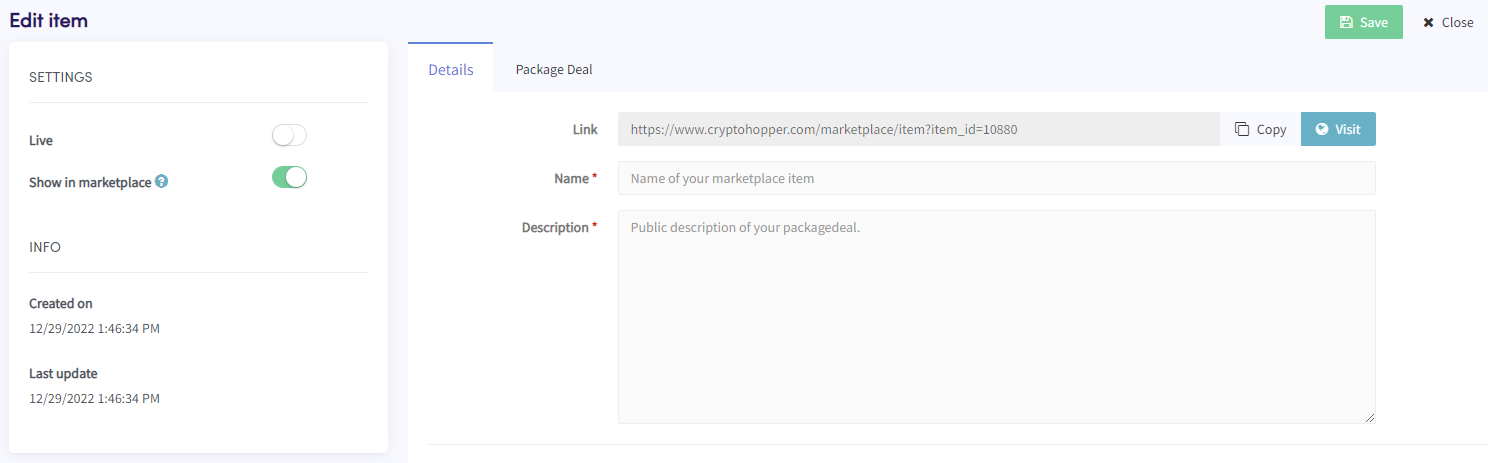
- Fülle alle erforderlichen Felder aus.
- Klicke auf den Tab "Paketangebot".
- Klicke auf "Produkt(e) hinzufügen".
- Wähle ein Produkt aus und klicke auf "Hinzufügen".
- Wiederhole dies für alle Produkte, die du in das Paketangebot aufnehmen möchtest.
- Klicke auf "Speichern".