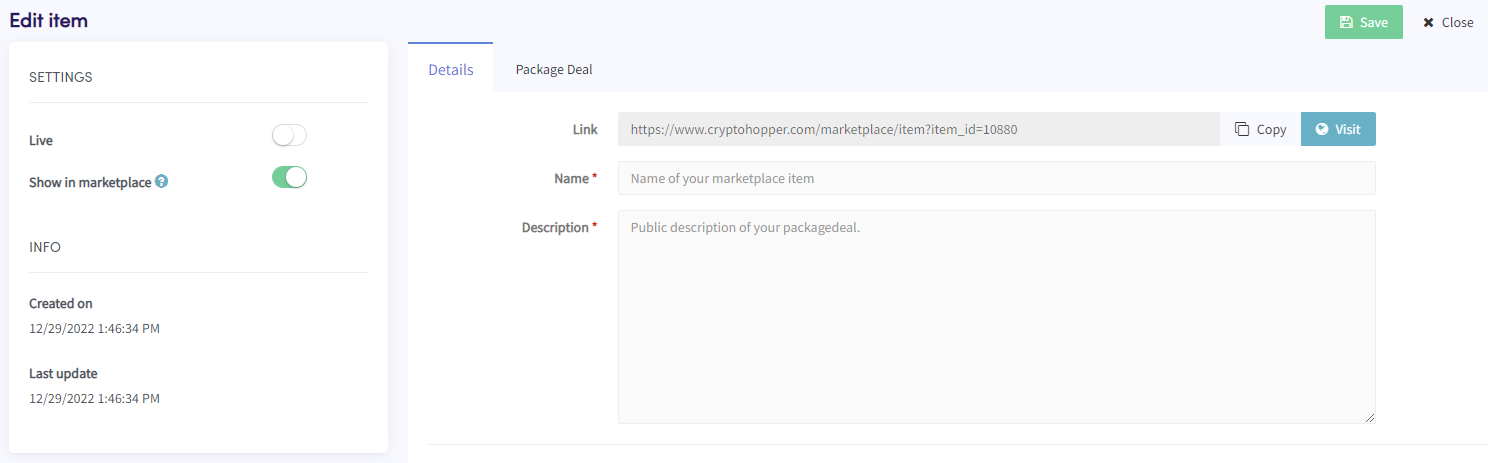
How to add a Package Deal as a Marketplace Seller
This guide shows you how to add a Package Deal to the Cryptohopper Marketplace.
Prerequisites
- A Cryptohopper account.
- Approved status as a Marketplace Seller. See how to apply as a Marketplace Seller.
Steps
- Log in to your Cryptohopper account.
- Click "Marketplace".
- Click "Marketplace items".
- Click "New Item".
- Click "Package Deal".
- Click "Continue".
- Fill in all the required fields.
- Click the "Package Deal" tab.
- Click "Add product(s)".
- Select a product and click "Add".
- Repeat for all products you want to include in the Package Deal.
- Click "Save".