Comment payer avec Litecoin
avertissement
Cette option de paiement n'est plus disponible.
Conditions
Avant de commencer, vérifie les éléments suivants :
- Tu as un compte Cryptohopper.
- Tu veux payer ton abonnement avec Litecoin
- Tu as un portefeuille crypto ou un exchange avec du Litecoin que tu peux utiliser pour acheter un abonnement
Comment payer avec Litecoin
- Connecte-toi à ton compte Cryptohopper.
- Clique sur « Abonnements ».
- Clique sur « Nouvel abonnement ».
- Clique sur « S'abonner maintenant » pour l'abonnement que tu souhaites acheter.
- Sélectionne la durée de paiement.
- Clique sur le logo Litecoin.
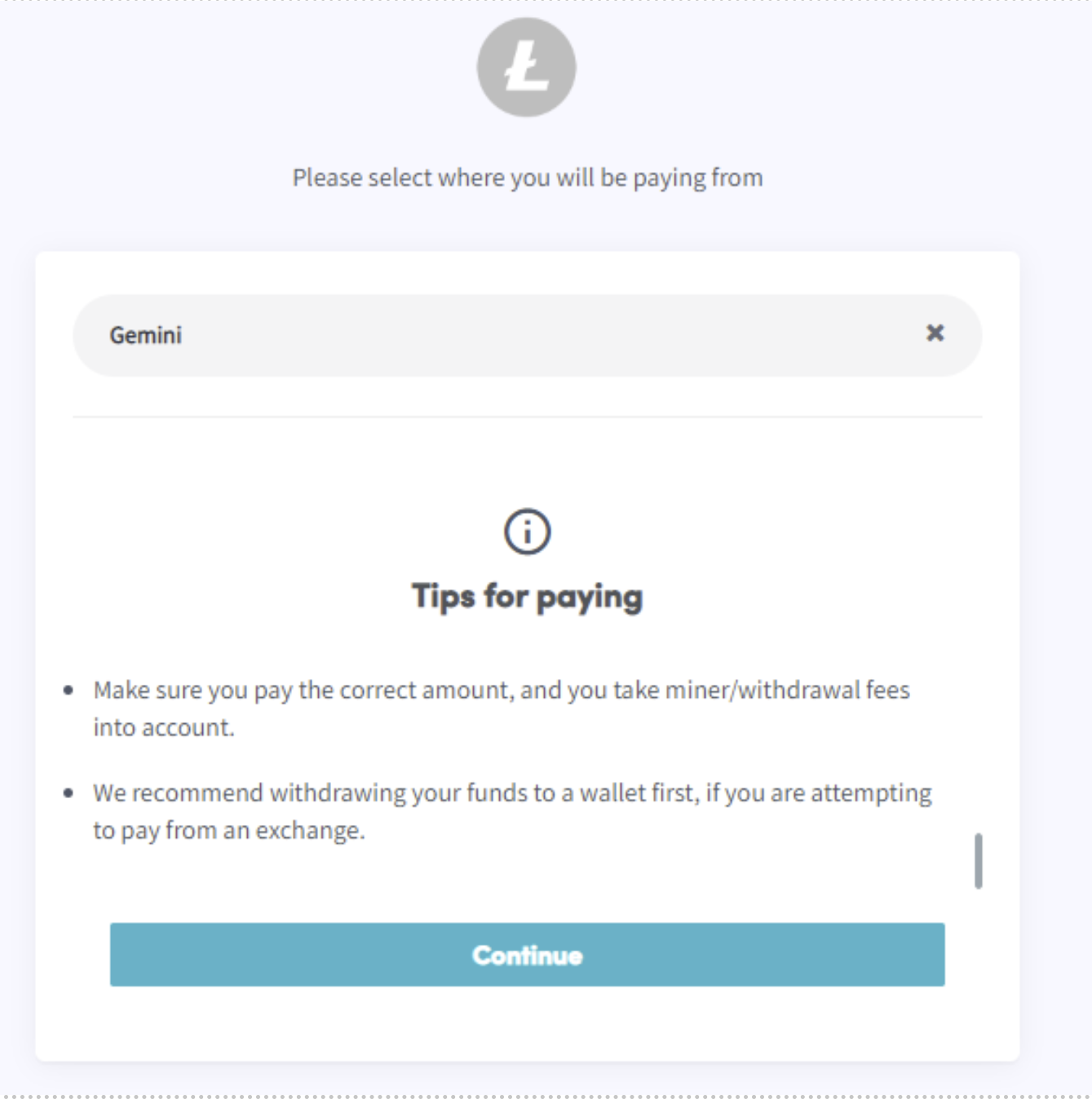
- Clique sur « Finaliser ta commande ». Tu seras redirigé vers une page où tu pourras sélectionner le portefeuille ou l'exchange que tu veux utiliser.
- Lis les conseils.
- Clique sur « Continuer ».
- Tu peux payer dans le portefeuille ou scanner le code QR.
- Effectue le paiement.
- Tu recevras un e-mail avec tous les détails.