Cómo encontrar la vista general de tus bots
Esta guía te muestra dónde encontrar una vista general de todos tus bots.
Prerrequisitos
- Una cuenta de Cryptohopper.
- Uno o más bots funcionando.
Pasos
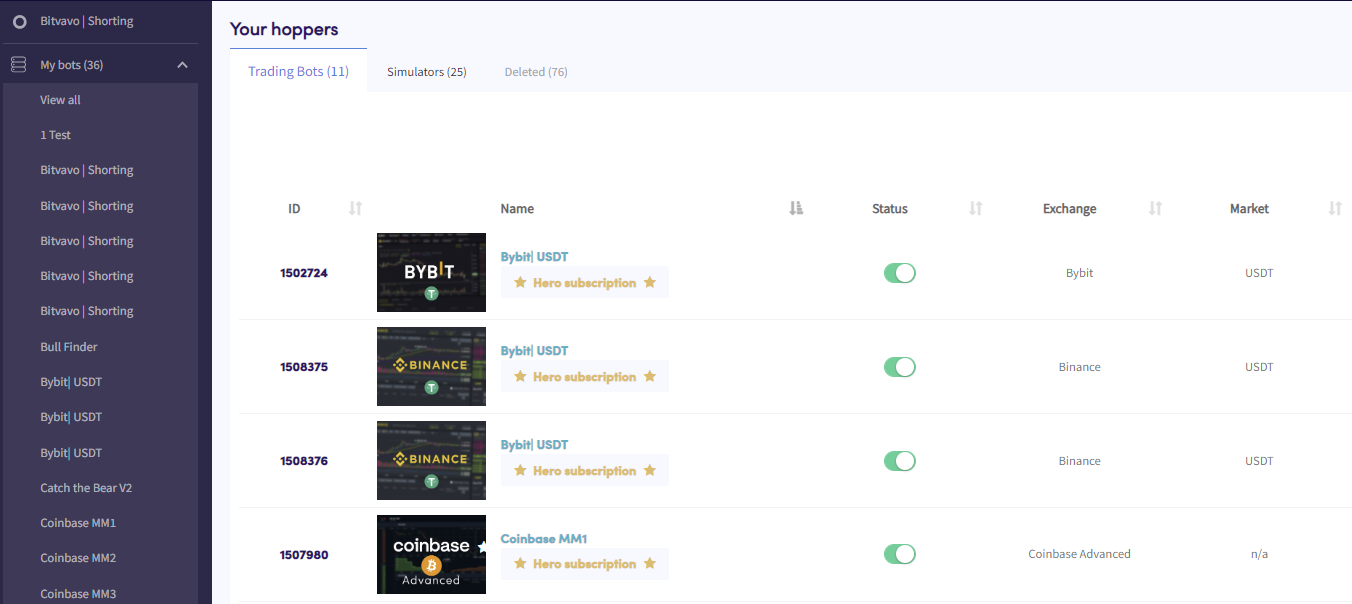
- En el menú superior izquierdo, haz clic en "Mis bots".
- Haz clic en "Ver todos".
- Haz clic en "Bots de Trading", "Simuladores" o "Eliminados" para filtrar por tipo de bot.