Hoe vind je het overzicht van je bots
Deze handleiding laat je zien waar je een overzicht van al je bots kunt vinden.
Vereisten
- Een Cryptohopper-account.
- Een of meer werkende bots.
Stappen
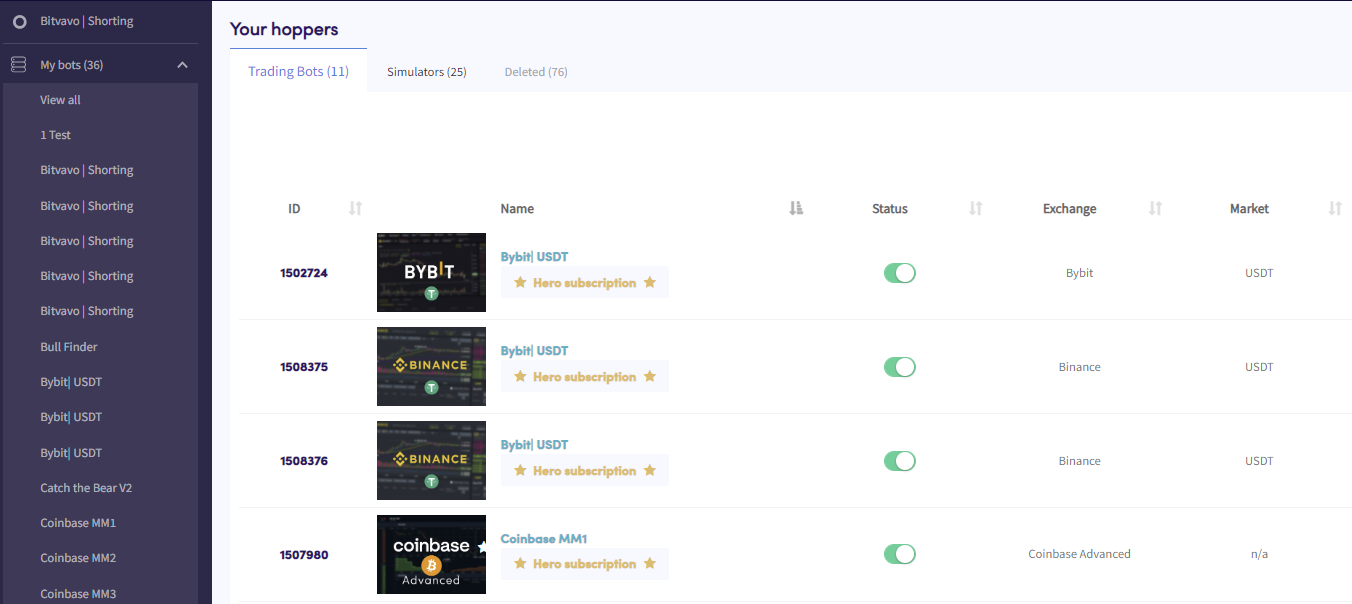
- Klik in het menu linksboven op "Mijn bots".
- Klik op "Alles bekijken".
- Klik op "Handelsbots", "Simulators" of "Verwijderd" om te filteren op bottype.