How to find the overview of your bots
This guide shows you where to find an overview of all your bots.
Prerequisites
- A Cryptohopper account.
- One or more working bots.
Steps
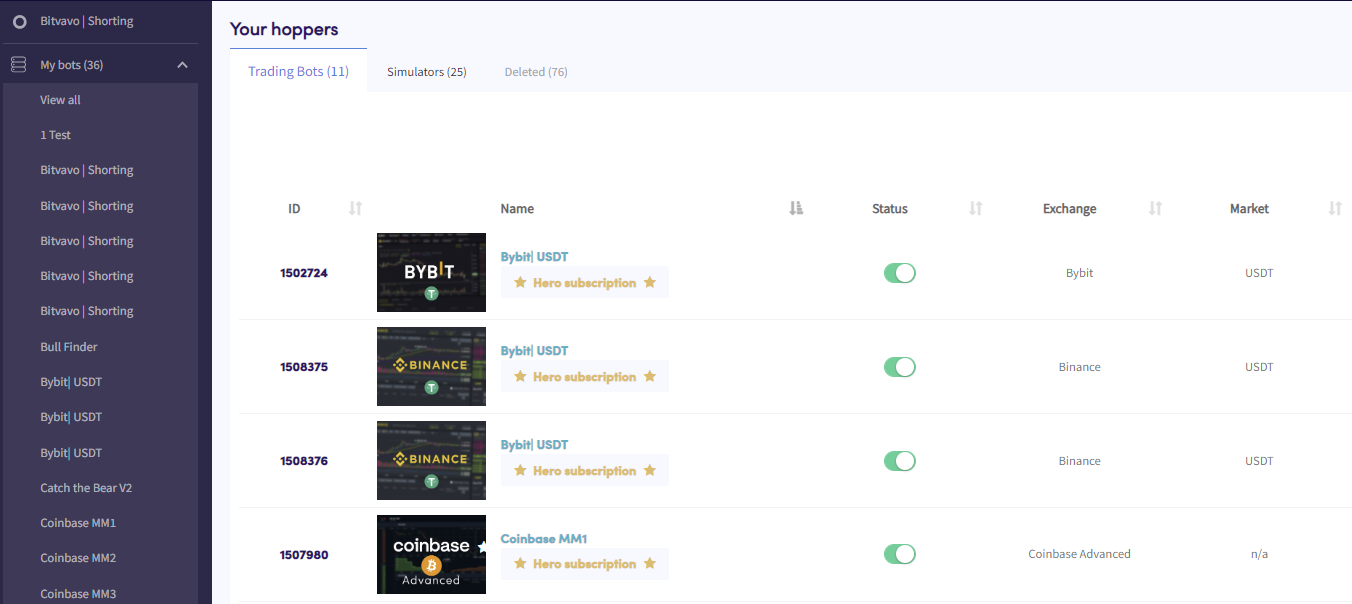
- In the top-left menu, click "My bots".
- Click "View all".
- Click "Trading Bots", "Simulators", or "Deleted" to filter by bot type.