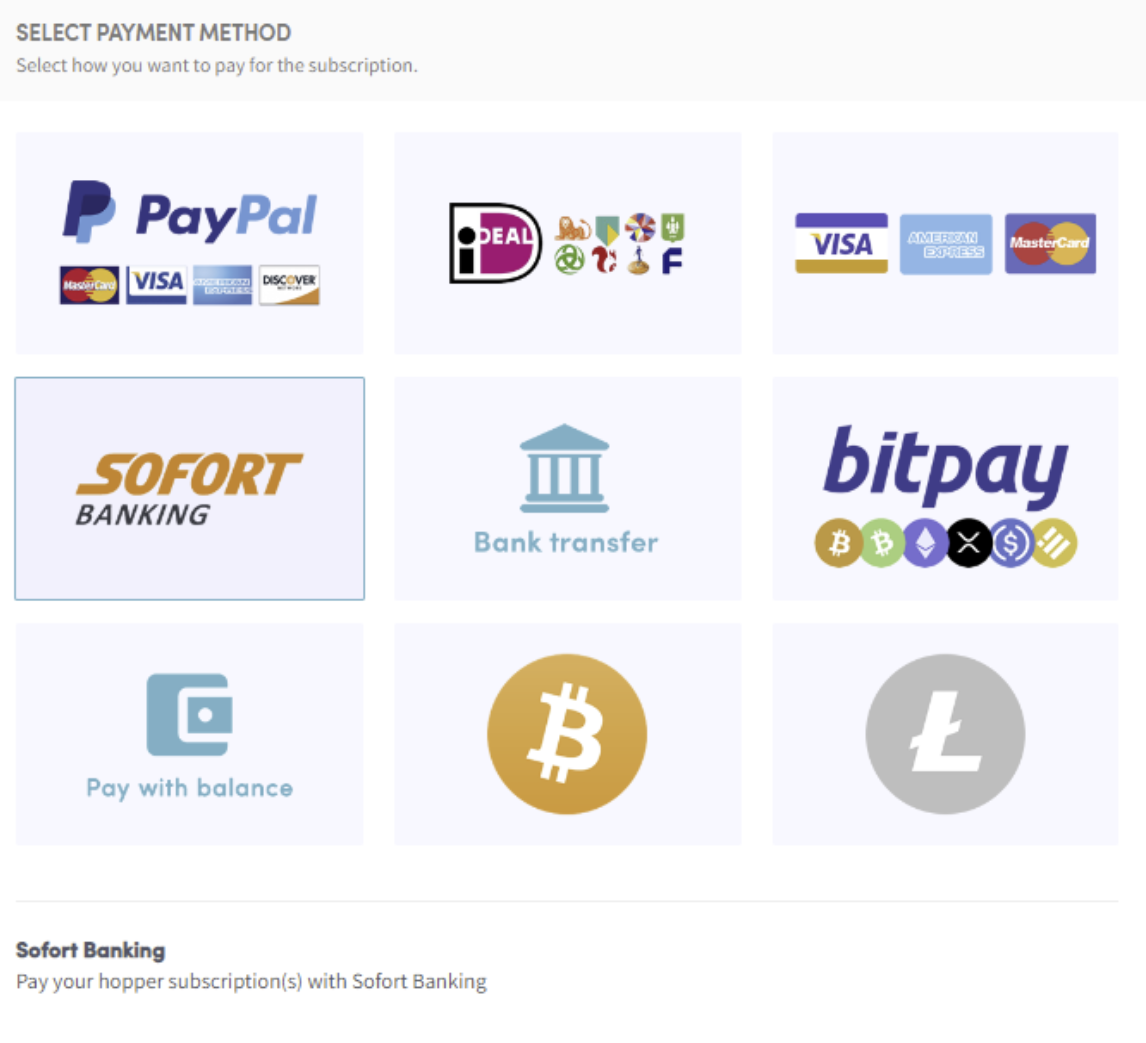
Wie du mit Sofort-Banking zahlst
Diese Anleitung zeigt dir, wie du ein Cryptohopper-Abonnement mit Sofort-Banking bezahlst.
Voraussetzungen
- Ein Cryptohopper-Konto.
- Die Möglichkeit, per Sofort-Banking zu zahlen. Hinweis: Diese Option ist nicht für alle Kunden verfügbar.
Schritte
- Melde dich bei deinem Cryptohopper-Konto an.
- Klicke auf "Subscriptions".
- Klicke auf "New subscription".
- Klicke auf "Subscribe now" bei dem Abonnement, das du kaufen möchtest.
- Wähle die Zahlungsfrist — monatlich oder jährlich.
- Klicke auf "Sofort banking".
- Klicke auf "Complete your order". Du wirst zur Sofort-Banking-Seite weitergeleitet.
- Wähle die Bank, die du verwenden möchtest. Du wirst zur Seite deiner Bank weitergeleitet.
- Schließe die Zahlung ab.
- Du erhältst eine Bestätigungs-E-Mail mit allen Details.