Como adicionar uma Estratégia ou Modelo como Vendedor do Marketplace
Este guia mostra como adicionar uma Estratégia ou Modelo ao Marketplace da Cryptohopper.
Pré-requisitos
- Uma conta Cryptohopper.
- Status aprovado como Vendedor do Marketplace. Veja como se candidatar como Vendedor do Marketplace.
Etapas
- Faça login na sua conta Cryptohopper.
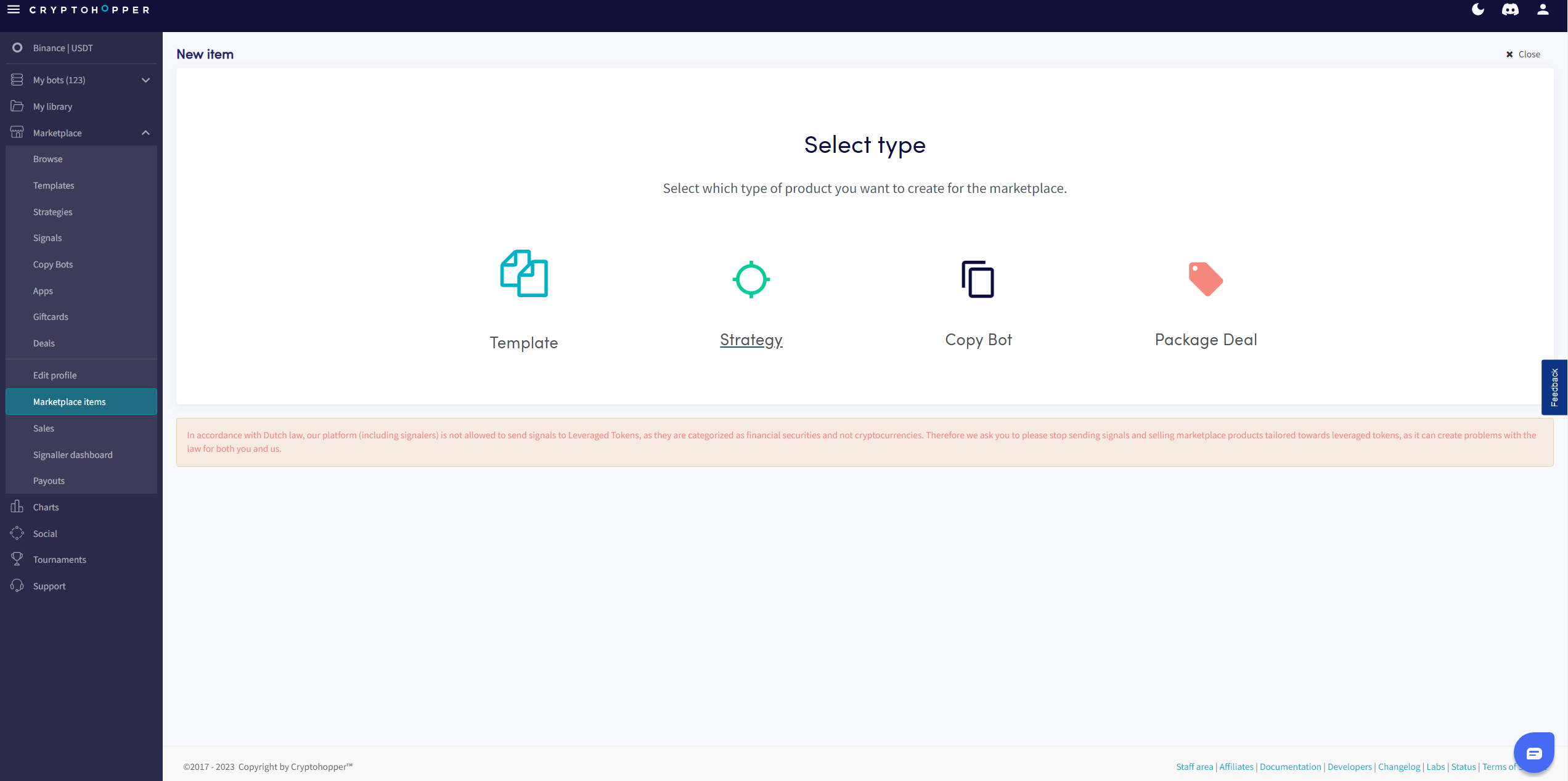
- Clique em "Itens do marketplace".
- Clique em "Novo item".
- Clique em "Estratégia" ou "Modelo" dependendo do que você deseja publicar.
- Selecione a Estratégia ou Modelo que você deseja listar.
- Clique em "Continuar".
- Preencha todos os campos obrigatórios.
- Clique em "Salvar".