Cómo añadir una Estrategia o Plantilla como Vendedor del Marketplace
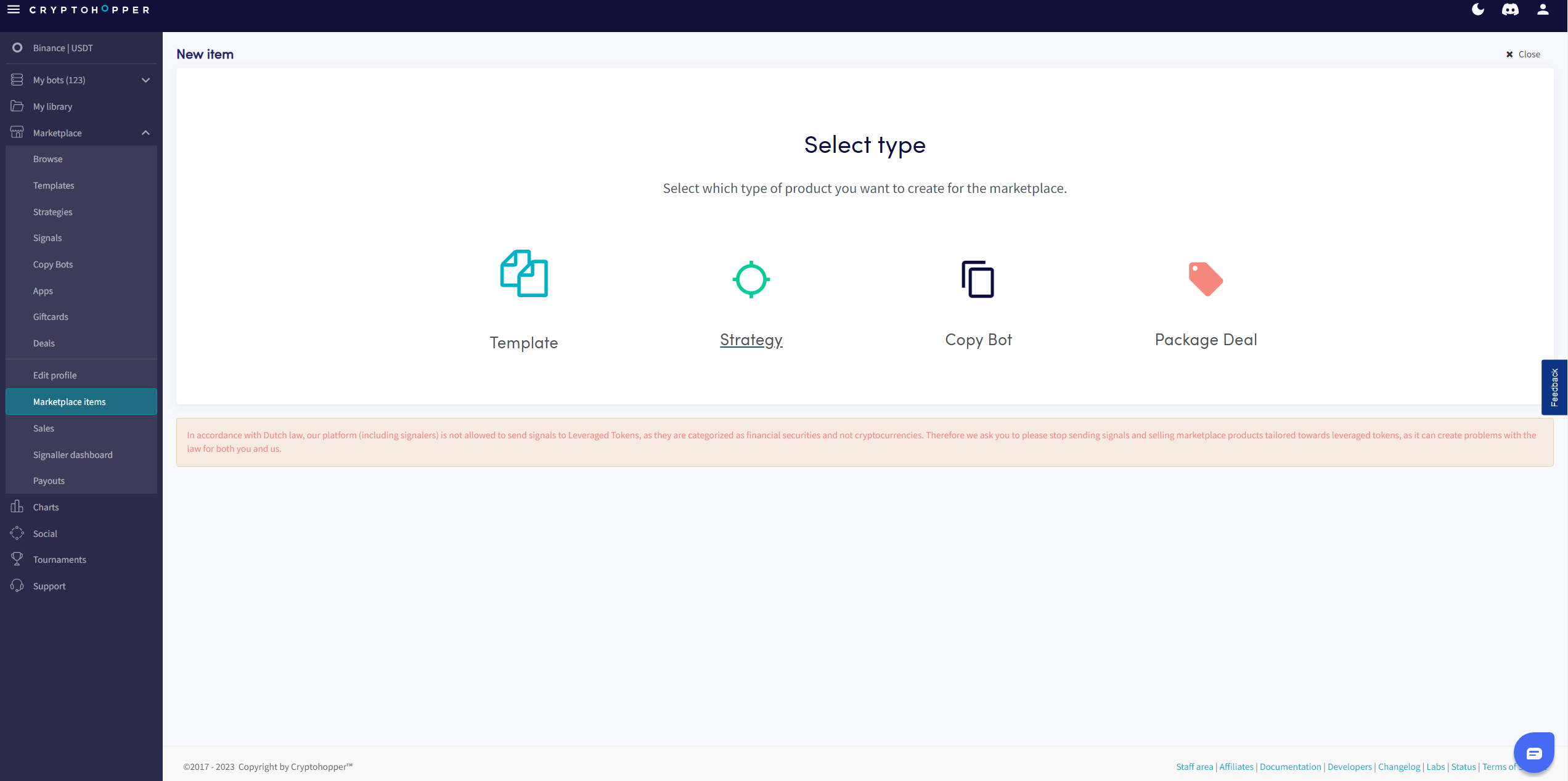
Esta guía te muestra cómo añadir una Estrategia o Plantilla al Marketplace de Cryptohopper.
Prerrequisitos
- Una cuenta de Cryptohopper.
- Estatus aprobado como Vendedor del Marketplace. Consulta cómo aplicar como Vendedor del Marketplace.
Pasos
- Inicia sesión en tu cuenta de Cryptohopper.
- Haz clic en "Elementos del marketplace".
- Haz clic en "Nuevo elemento".
- Haz clic en "Estrategia" o "Plantilla" dependiendo de lo que quieras publicar.
- Selecciona la Estrategia o Plantilla que quieres listar.
- Haz clic en "Continuar".
- Completa todos los campos requeridos.
- Haz clic en "Guardar".