Como usar o TradingView para enviar sinais de negociação como um Sinalizador

Clique em "Pine Editor" no TradingView, cole o script, clique em "Save" e salve-o como uma estratégia.
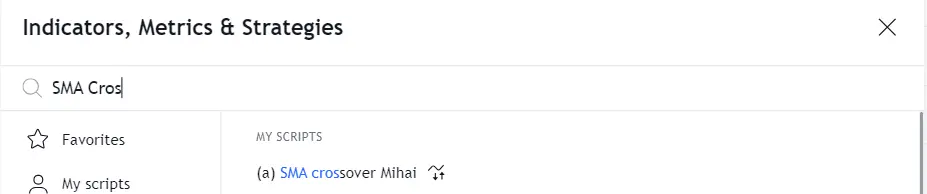
Adicione a estratégia pelo menu Indicators.
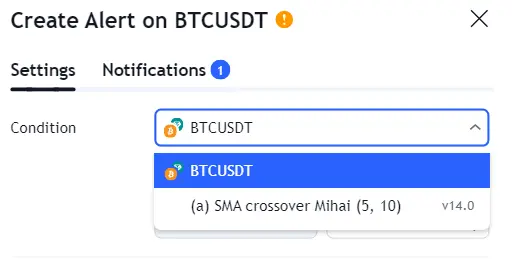
Clique no ícone do relógio novamente e depois no ícone + para criar um novo alerta. Selecione sua estratégia como condição.
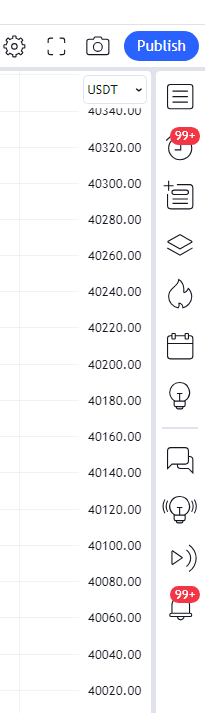
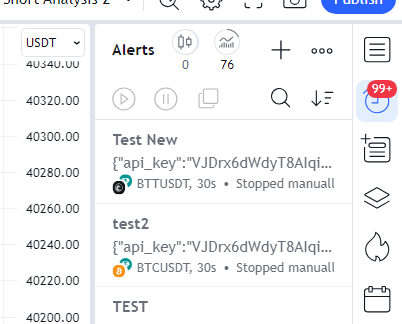

Copie a URL do Webhook do Cryptohopper e cole-a no campo Webhook URL em Notifications no TradingView.
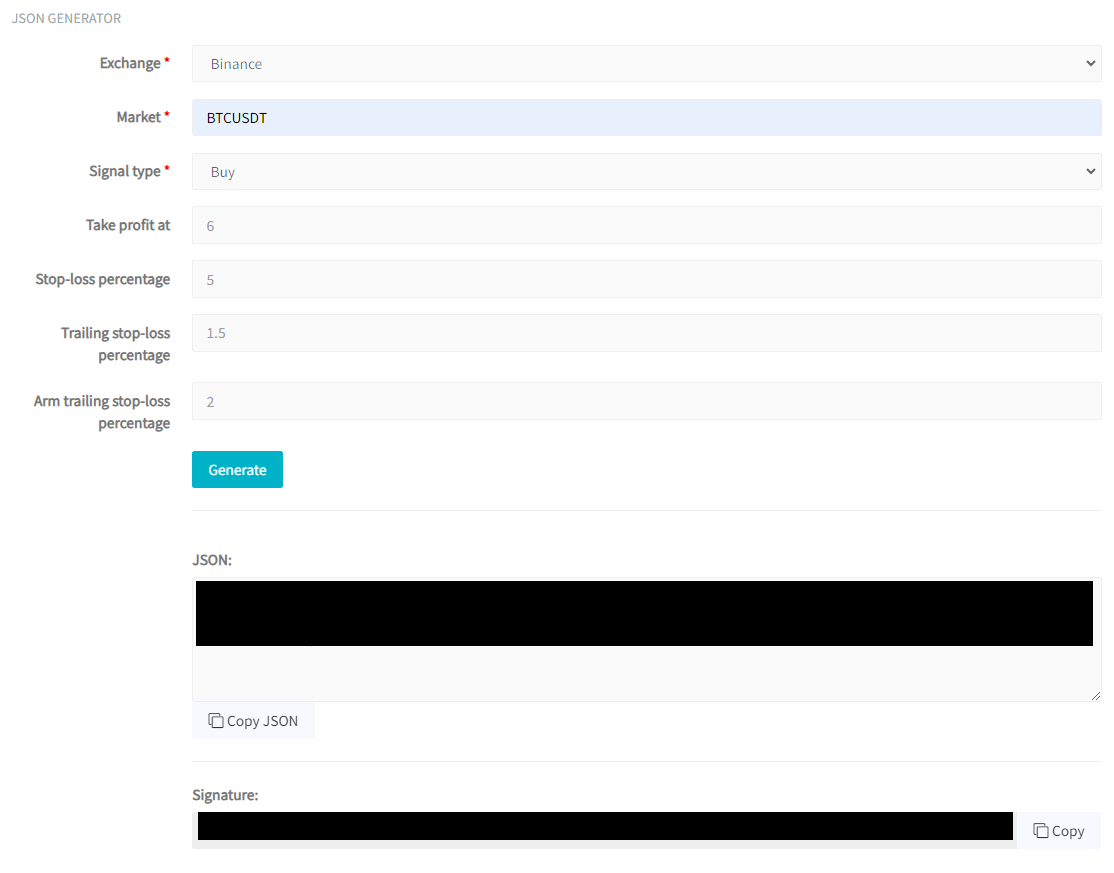
De volta ao Cryptohopper, selecione sua corretora (por exemplo, Binance) e o mercado (por exemplo, BTCUSDT). Para Signal type, selecione strategy.order.action. Opcionalmente, configure Take Profit, Stop-Loss, Trailing Stop-Loss e Arm Trailing Stop-Loss. Clique em "Generate" e depois em "Copy JSON".
Cole o JSON no campo Message no TradingView, dê um nome ao alerta e clique em "Create".