Come aggiungere una Strategia o un Template come Venditore del Marketplace
Questa guida ti mostra come aggiungere una Strategia o un Template al Marketplace di Cryptohopper.
Prerequisiti
- Un account Cryptohopper.
- Stato approvato come Venditore del Marketplace. Vedi come candidarsi come Venditore del Marketplace.
Passaggi
- Accedi al tuo account Cryptohopper.
- Clicca su "Marketplace items".
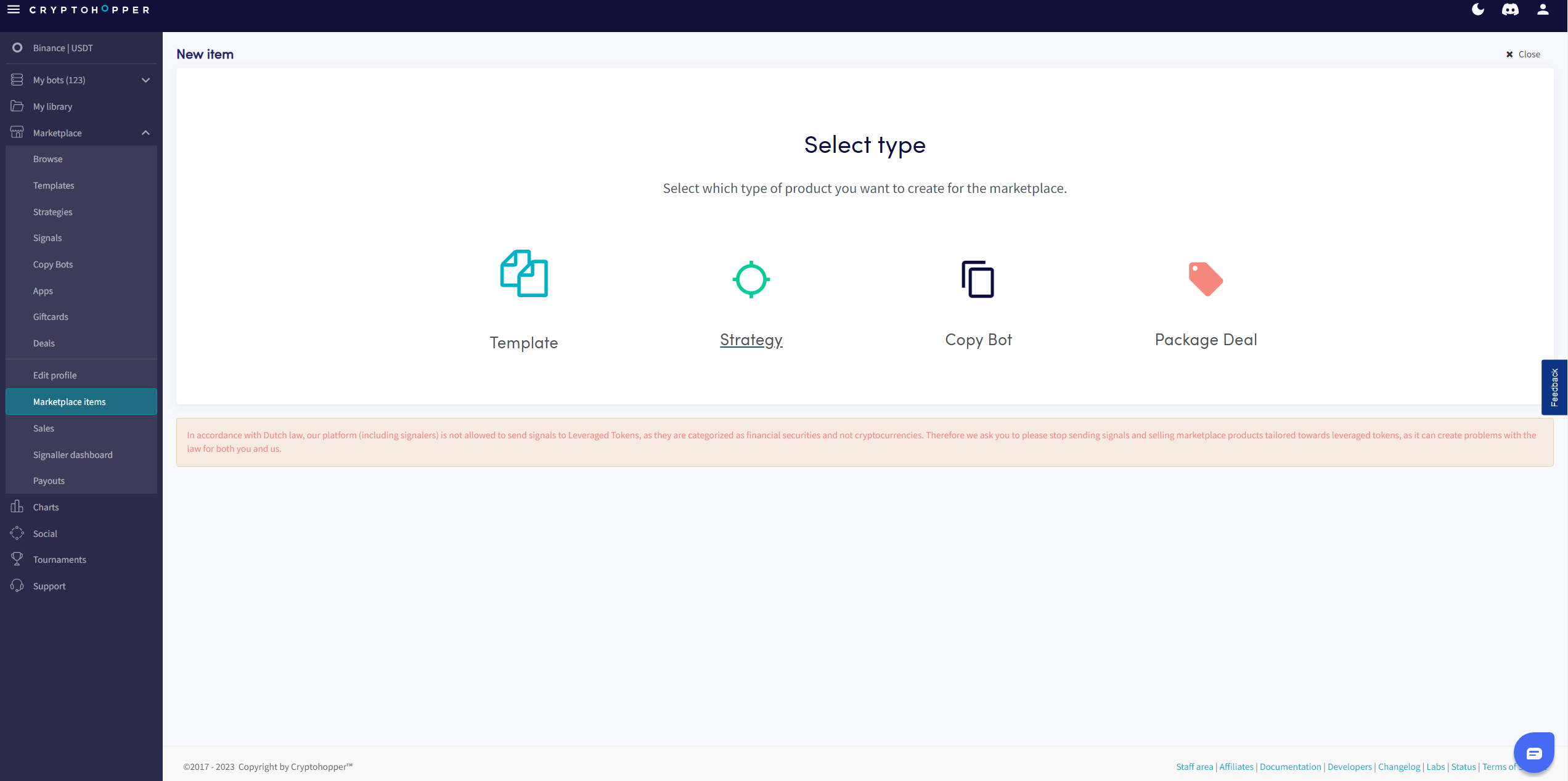
- Clicca su "New Item".
- Clicca su "Strategy" o "Template" a seconda di cosa vuoi pubblicare.
- Seleziona la Strategia o il Template che vuoi inserire.
- Clicca su "Continue".
- Compila tutti i campi obbligatori.
- Clicca su "Save".