How to add a Strategy or Template as a Marketplace Seller
This guide shows you how to add a Strategy or Template to the Cryptohopper Marketplace.
Prerequisites
- A Cryptohopper account.
- Approved status as a Marketplace Seller. See how to apply as a Marketplace Seller.
Steps
- Log in to your Cryptohopper account.
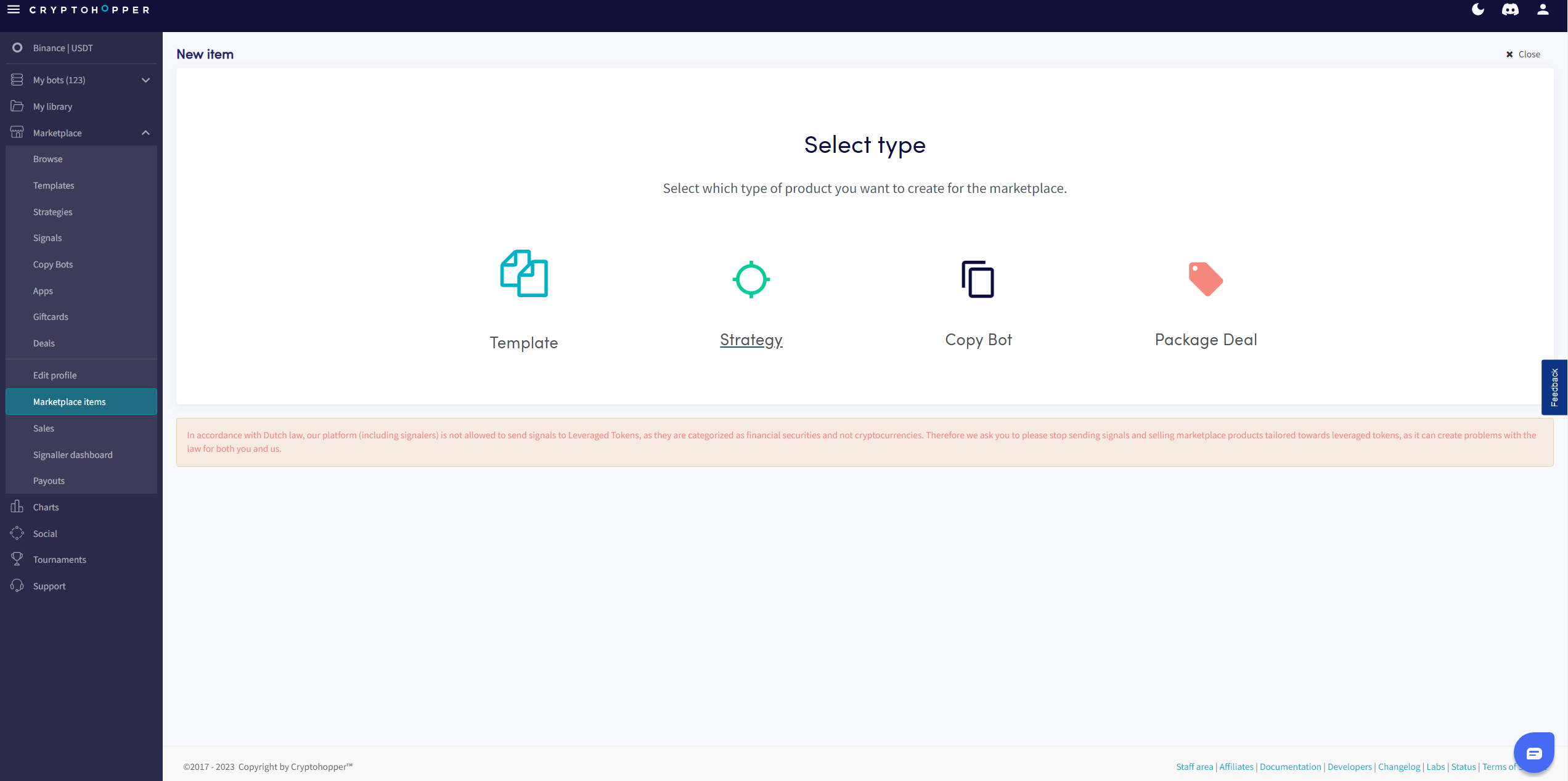
- Click "Marketplace items".
- Click "New Item".
- Click "Strategy" or "Template" depending on what you want to post.
- Select the Strategy or Template you want to list.
- Click "Continue".
- Fill in all the required fields.
- Click "Save".