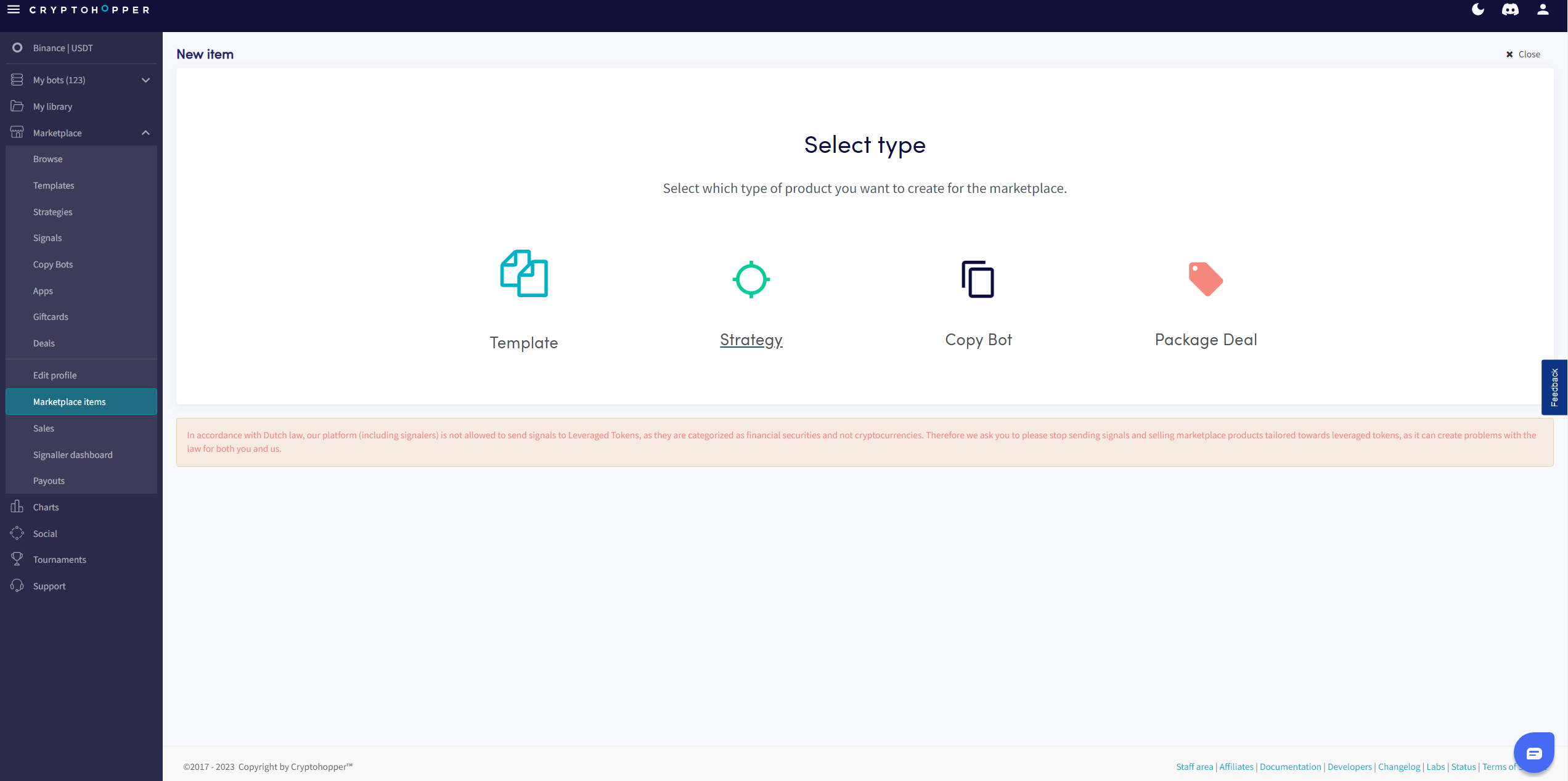
Jak dodać Strategię lub Szablon jako Sprzedawca na Rynku
Ten przewodnik pokazuje ci, jak dodać Strategię lub Szablon do Rynku Cryptohopper.
Wymagania wstępne
- Konto Cryptohopper.
- Zatwierdzony status Sprzedawcy na Rynku. Zobacz jak ubiegać się o status Sprzedawcy na Rynku.
Kroki
- Zaloguj się do swojego konta Cryptohopper.
- Kliknij "Przedmioty rynkowe".
- Kliknij "Nowy przedmiot".
- Kliknij "Strategia" lub "Szablon" w zależności od tego, co chcesz opublikować.
- Wybierz Strategię lub Szablon, który chcesz wystawić.
- Kliknij "Kontynuuj".
- Wypełnij wszystkie wymagane pola.
- Kliknij "Zapisz".