How to use your Cryptohopper profile
This guide shows you how to update your Cryptohopper profile.
Prerequisites
Steps
- Log in to your Cryptohopper account.
- Click the profile button in the top-right corner.
- Click "My account".
- Click "User Profile".
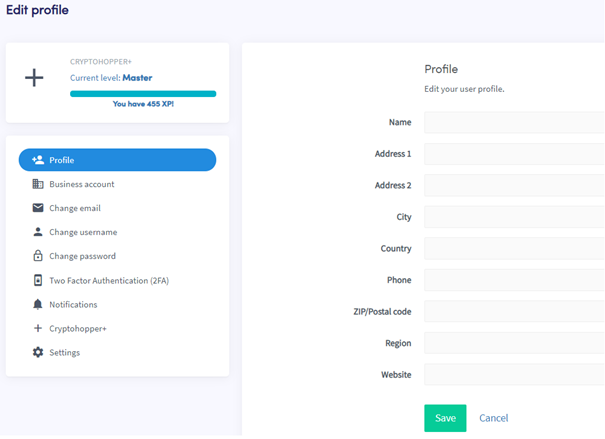
- Click "Profile".
- Add or update your information.
- Click "Save".
Additional information
Filling in your personal details is required for several reasons. For example, certain fields must be completed before you can purchase a subscription — required fields are highlighted in red when you attempt to save without completing them. Personal details are also required for Cryptohopper to comply with European taxation laws.