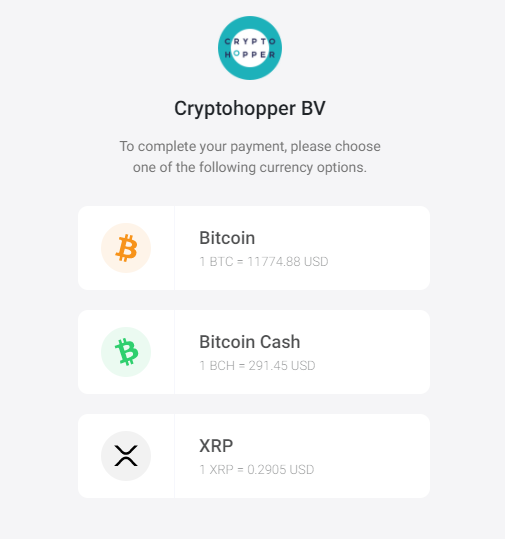
Cuáles son las diferentes opciones de pago con BitPay
Esta guía explica las dos opciones de pago disponibles al pagar con BitPay.
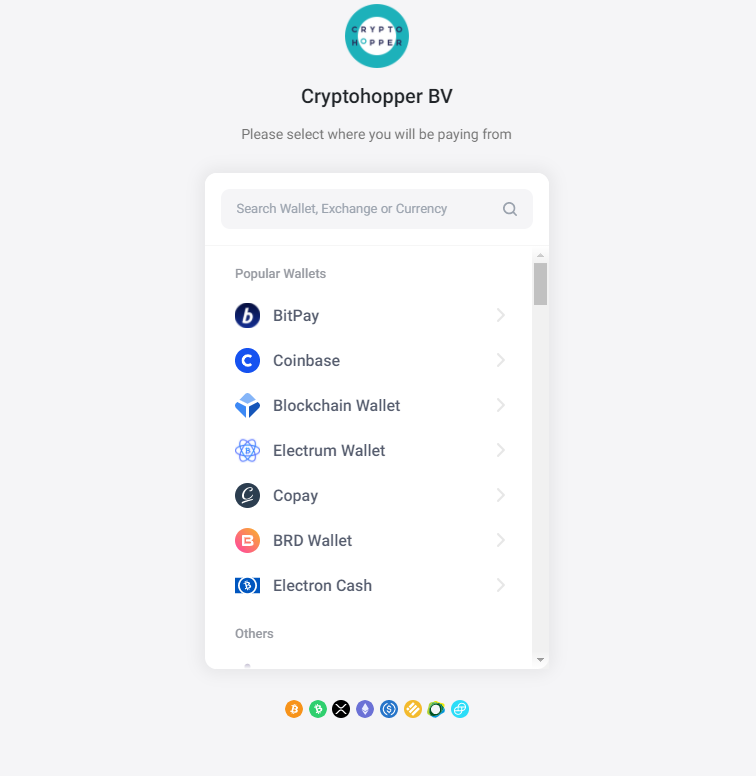
Seleccionar billetera o exchange
Cada billetera o exchange muestra la información necesaria para completar la transferencia. Nota: BitPay no admite Binance, ya que todos los pagos de Binance se fusionan en una sola transacción, lo que causa problemas con la coincidencia automática de pagos.
Opciones de pago
Tienes dos opciones para completar tu pago:
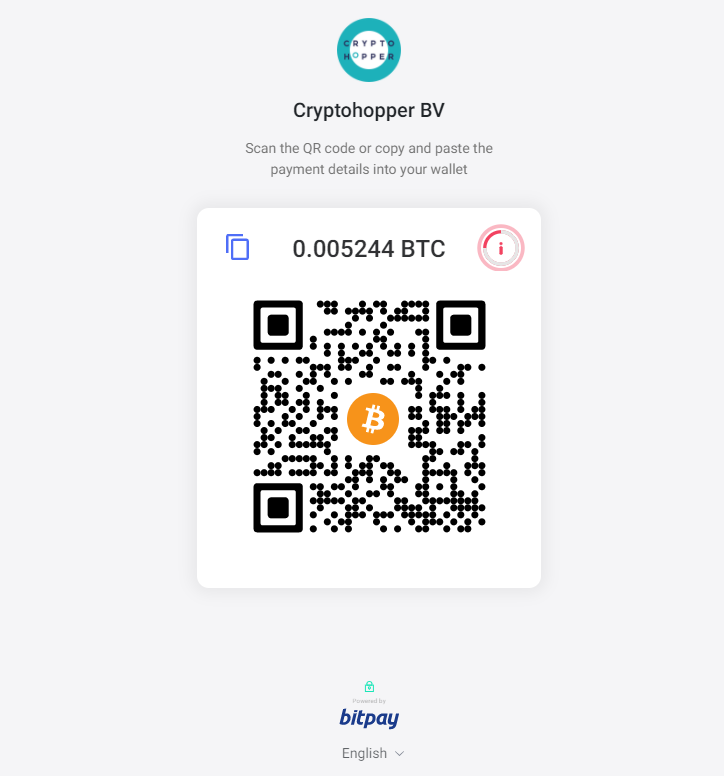
Opción 1 — Código QR Escanea el código QR con tu teléfono o tableta para completar el pago directamente.
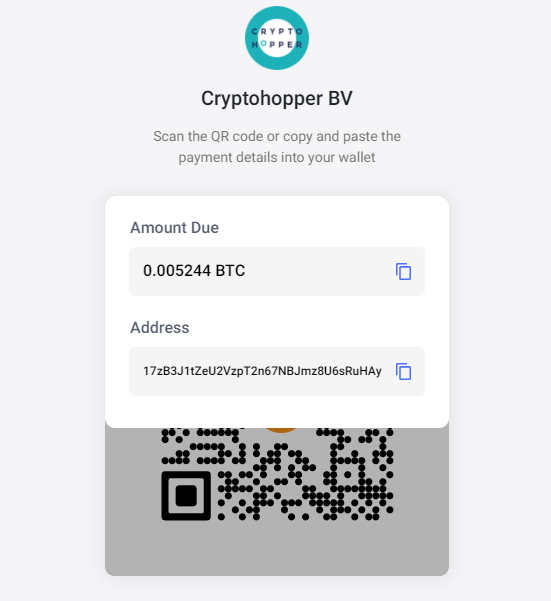
Opción 2 — Retiro de exchange o billetera Ve a tu exchange o billetera, selecciona "Retirar" para tu moneda elegida y pega los detalles de pago proporcionados por BitPay. Verifica toda la información antes de confirmar — los pagos no se pueden revertir.
Después de confirmar tu pago, recibirás un correo electrónico de confirmación y una factura. El tiempo de procesamiento varía según la moneda utilizada. Una vez procesado, tu suscripción se activa.