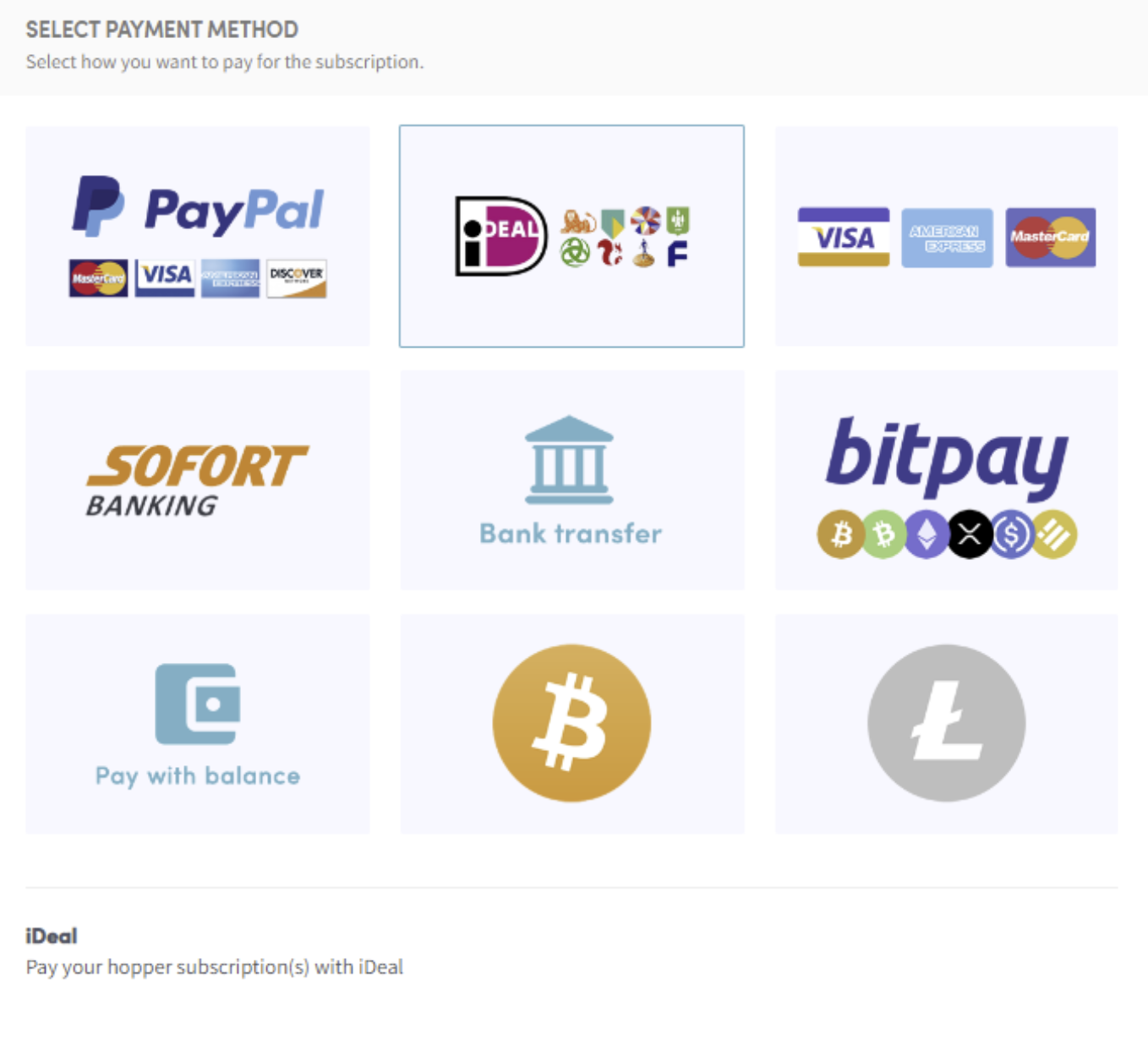
Cómo pagar con Ideal
Esta guía te muestra cómo pagar una suscripción de Cryptohopper usando iDEAL.
Prerrequisitos
- Una cuenta de Cryptohopper.
- La capacidad de pagar vía iDEAL. Nota: esta opción no está disponible para todos los clientes.
Pasos
- Inicia sesión en tu cuenta de Cryptohopper.
- Haz clic en "Suscripciones".
- Haz clic en "Nueva suscripción".
- Haz clic en "Suscribirme ahora" en la suscripción que quieres comprar.
- Selecciona el plazo de pago — mensual o anual.
- Haz clic en "iDEAL".
- Haz clic en "Completar tu orden". Serás redirigido a la página de iDEAL.
- Elige el banco que quieres usar. Serás redirigido a la página de tu banco.
- Completa el pago.
- Recibirás un correo electrónico de confirmación con todos los detalles.