How to use TradingView to send trading signals as a Signaler

Click "Pine Editor" in TradingView, paste the script, click "Save", and save it as a strategy.
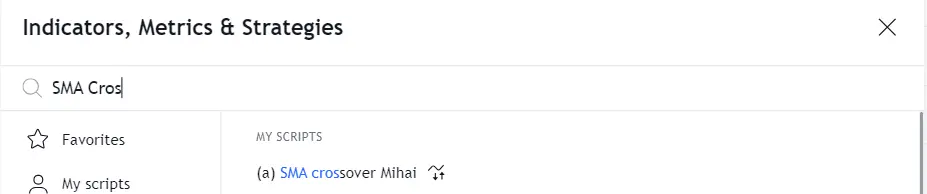
Add the strategy from the Indicators menu.
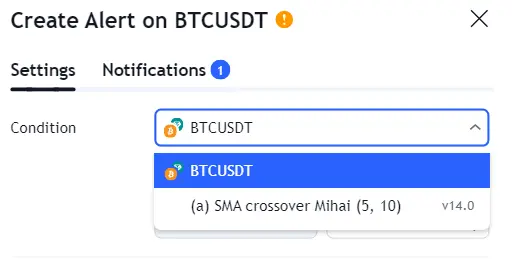
Click the clock icon again and then the + icon to create a new alert. Select your strategy as the condition.
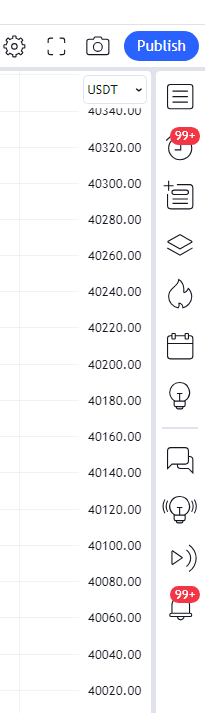
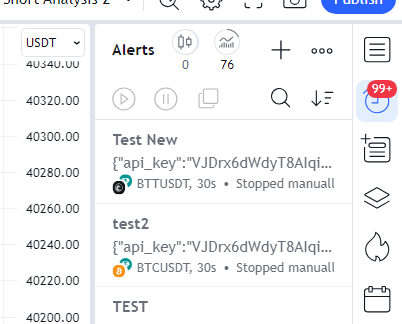

Copy the Webhook URL from Cryptohopper and paste it into the Notifications in Webhook URL field in TradingView.
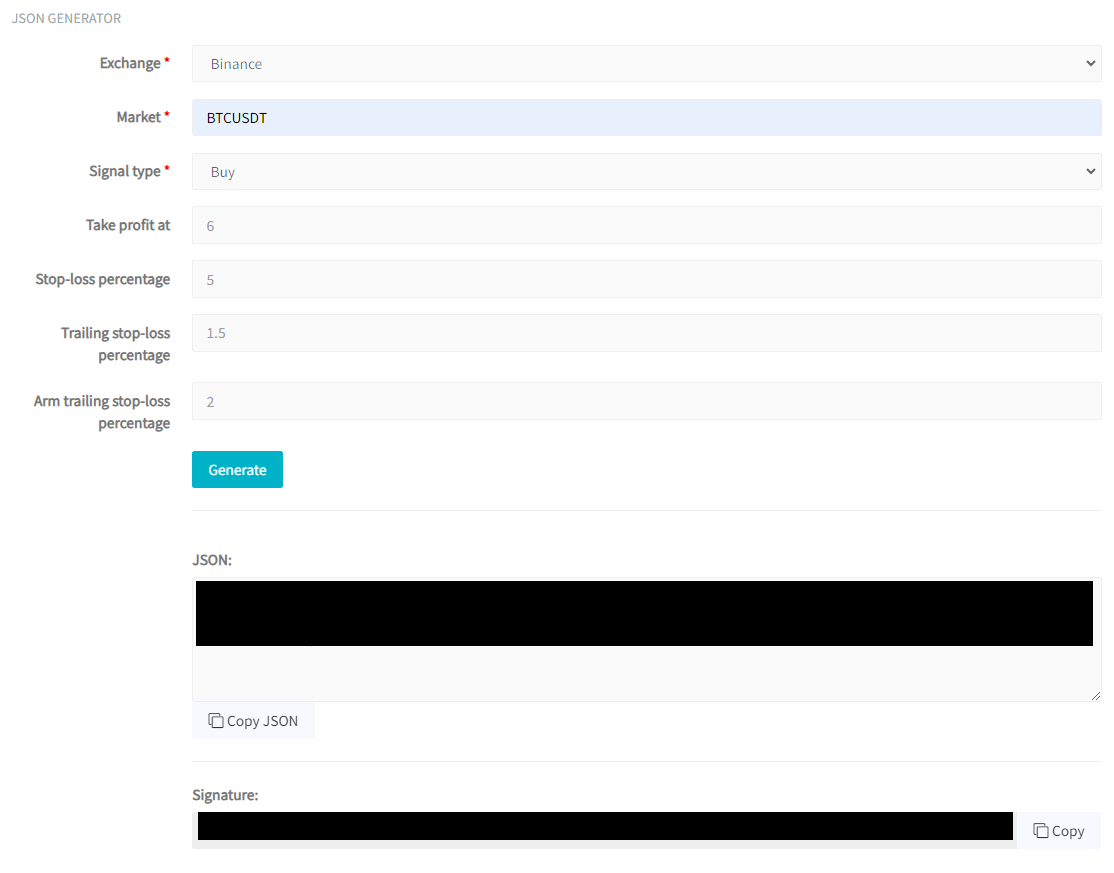
Back in Cryptohopper, select your exchange (e.g. Binance) and market (e.g. BTCUSDT). For Signal type, select strategy.order.action. Optionally configure Take Profit, Stop-Loss, Trailing Stop-Loss, and Arm Trailing Stop-Loss. Click "Generate" then "Copy JSON".
Paste the JSON into the Message field in TradingView, give the alert a name, and click "Create".