Wie man TradingView nutzt, um Trading-Signale als Signalgeber zu senden

Klicke auf "Pine Editor" in TradingView, füge das Skript ein, klicke auf "Speichern" und speichere es als Strategie.
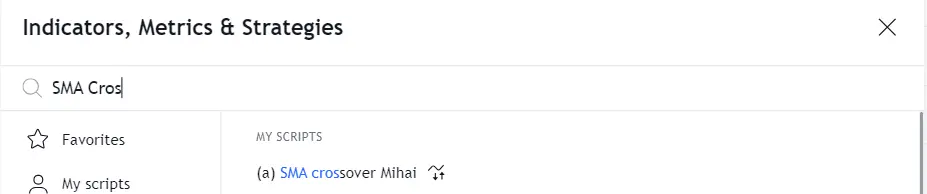
Füge die Strategie aus dem Indikator-Menü hinzu.
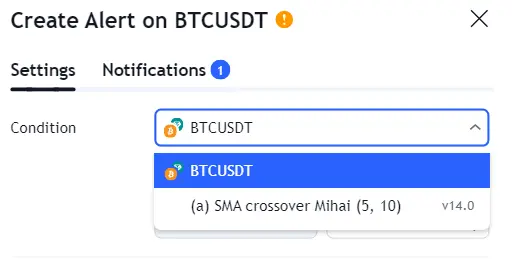
Klicke erneut auf das Uhr-Symbol und dann auf das +-Symbol, um einen neuen Alert zu erstellen. Wähle deine Strategie als Bedingung aus.
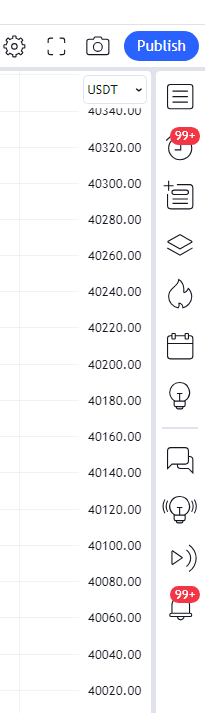
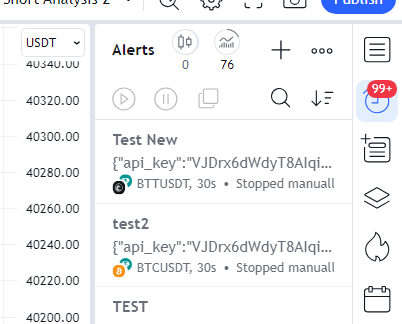

Kopiere die Webhook-URL von Cryptohopper und füge sie in das Feld Webhook-URL unter Benachrichtigungen in TradingView ein.
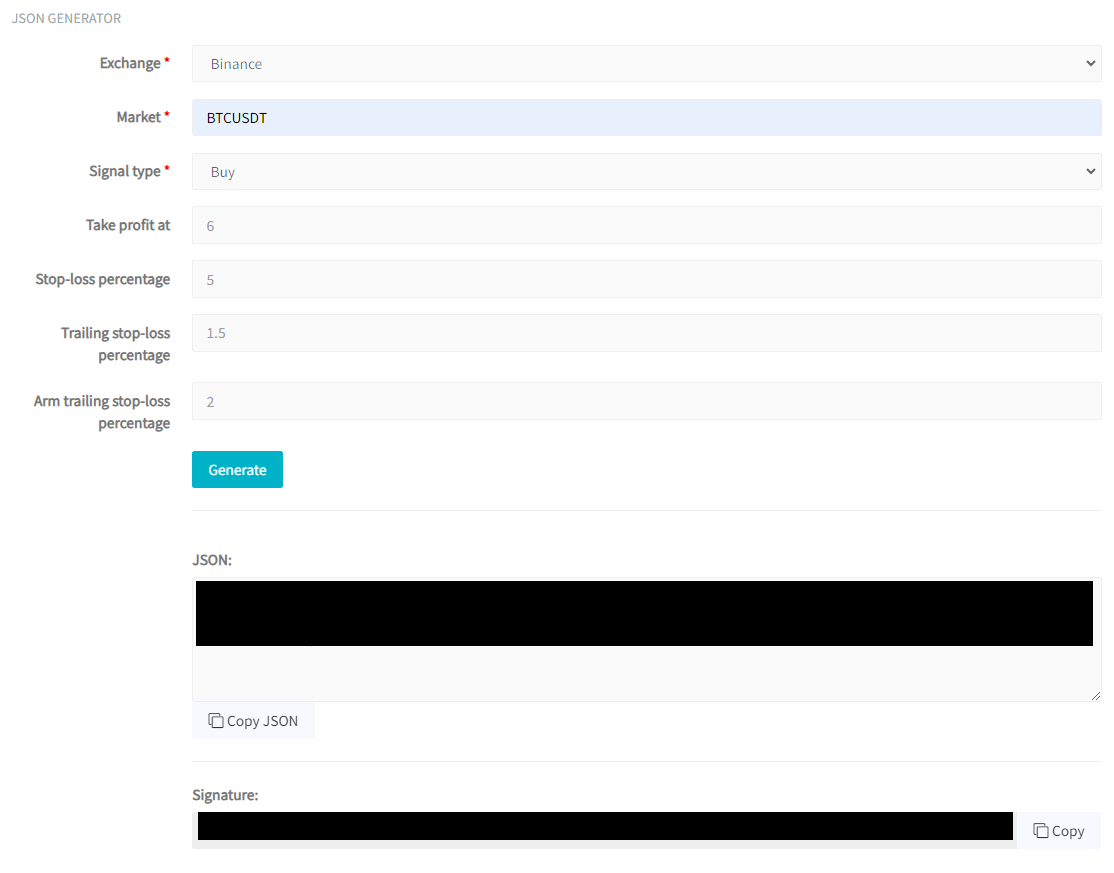
Zurück in Cryptohopper wählst du deine Börse (z.B. Binance) und deinen Markt (z.B. BTCUSDT) aus. Als Signal-Typ wählst du strategy.order.action. Optional kannst du Take-Profit, Stop-Loss, Trailing Stop-Loss und Arm Trailing Stop-Loss konfigurieren. Klicke auf "Generieren" und dann auf "JSON kopieren".
Füge das JSON in das Nachricht-Feld in TradingView ein, gib dem Alert einen Namen und klicke auf "Erstellen".