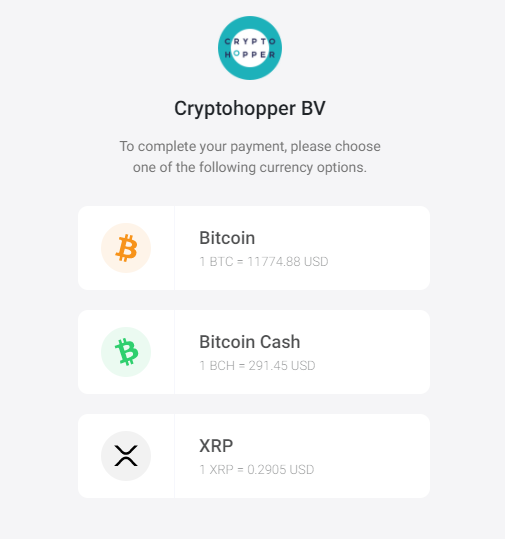
What are the different payment options with BitPay
This guide explains the two payment options available when paying with BitPay.
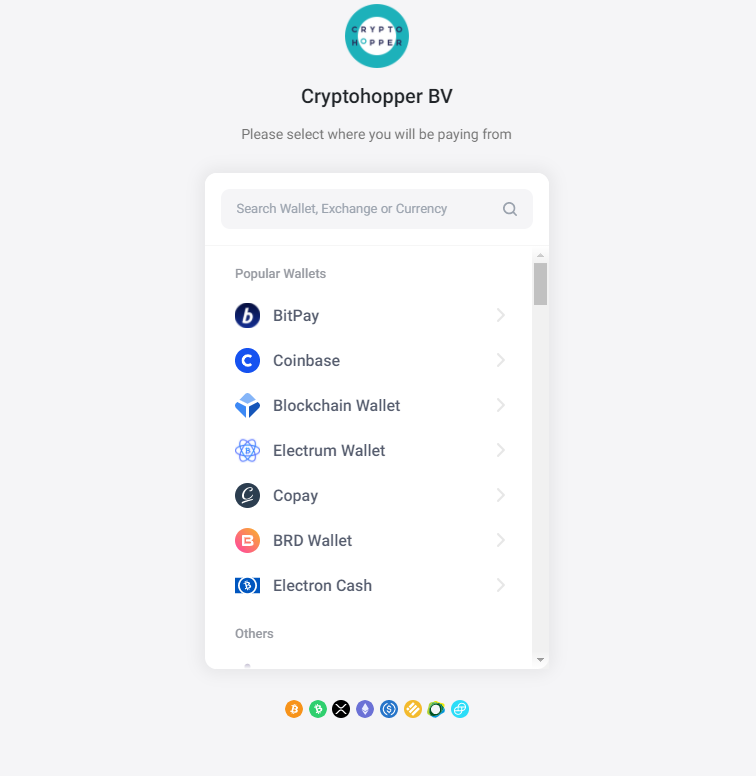
Select wallet or exchange
Each wallet or exchange displays the information needed to complete the transfer. Note: BitPay does not support Binance, as all Binance payments are merged into one transaction, which causes issues with automatic payment matching.
Payment options
You have two options for completing your payment:
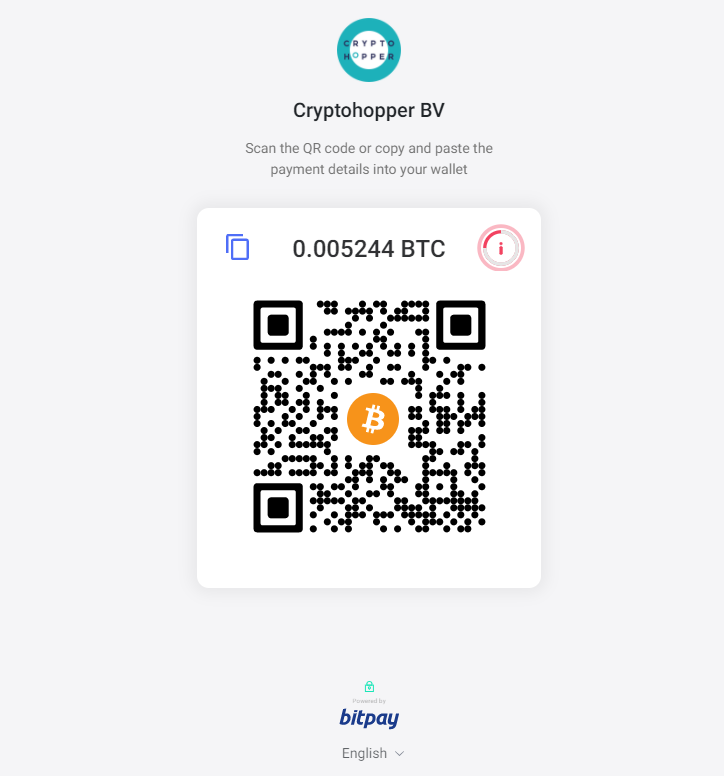
Option 1 — QR code Scan the QR code with your phone or tablet to complete the payment directly.
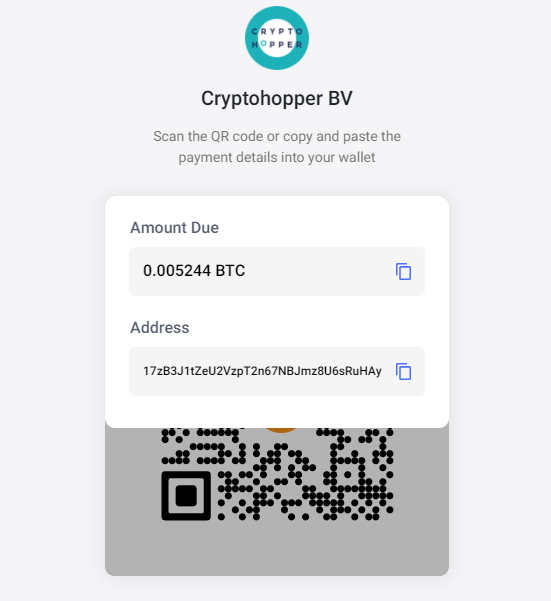
Option 2 — Exchange or wallet withdrawal Go to your exchange or wallet, select "Withdraw" for your chosen currency, and paste the payment details provided by BitPay. Double-check all information before confirming — payments cannot be reversed.
After confirming your payment, you will receive a confirmation email and invoice. Processing time varies depending on the currency used. Once processed, your subscription is activated.