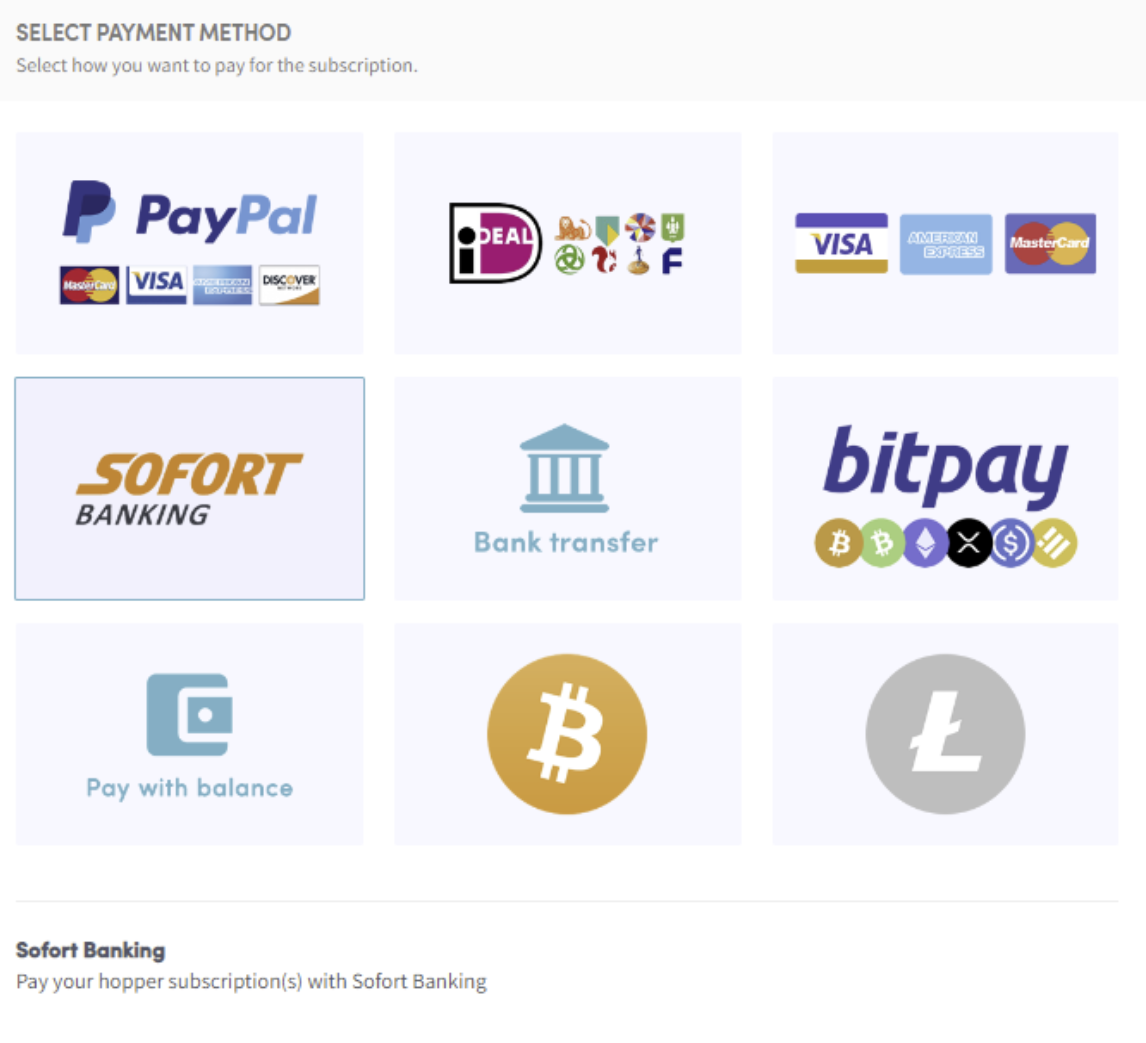
How to pay with Sofort banking
This guide shows you how to pay for a Cryptohopper subscription using Sofort banking.
Prerequisites
- A Cryptohopper account.
- The ability to pay via Sofort banking. Note: this option is not available to all customers.
Steps
- Log in to your Cryptohopper account.
- Click "Subscriptions".
- Click "New subscription".
- Click "Subscribe now" on the subscription you want to buy.
- Select the payment term — monthly or yearly.
- Click "Sofort banking".
- Click "Complete your order". You will be redirected to the Sofort Banking page.
- Choose the bank you want to use. You will be redirected to your bank's page.
- Complete the payment.
- You will receive a confirmation email with all the details.