Come leggere la tua pagina performance Signaler come Signaler
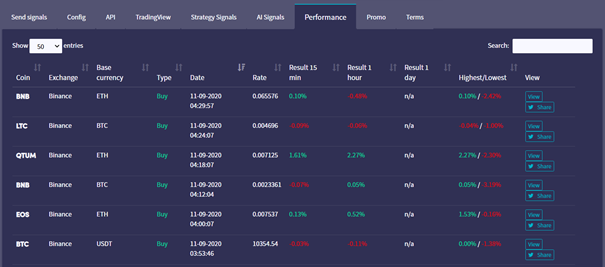
Questa guida ti mostra come leggere la tua pagina performance Signaler.
Prerequisiti
- Un account Cryptohopper.
- Stato approvato come Signaler.
- Segnali attivi in invio.
Passaggi
- Accedi al tuo account Cryptohopper.
- Clicca su "Marketplace".
- Clicca su "Dashboard Signaler".
- Clicca su "Performance" e rivedi i tuoi risultati.