What are the different settings with the Wallet Scrubber
An explanation of every setting in the Wallet Scrubber.
Settings
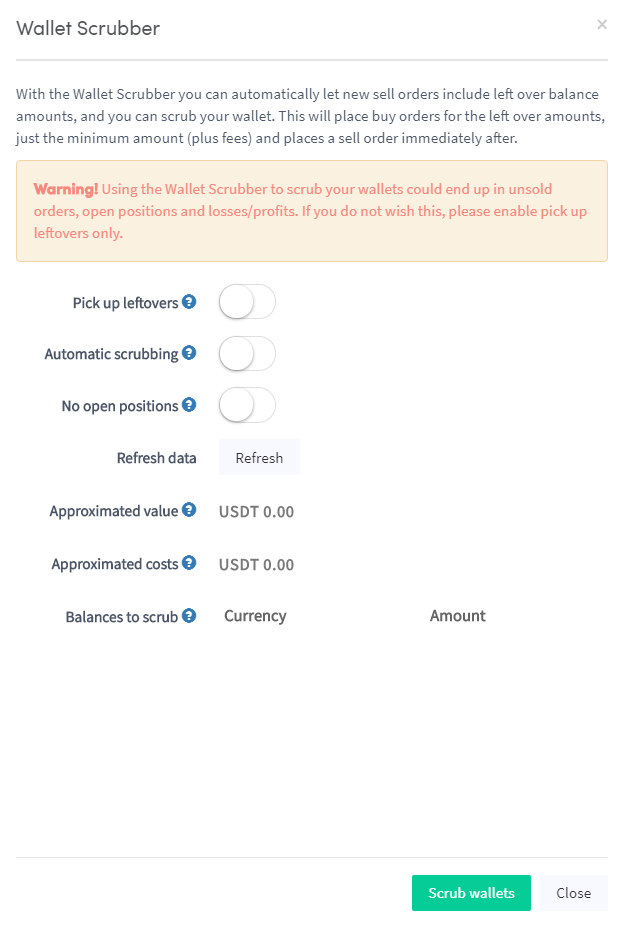
Pick up leftovers When enabled, the Wallet Scrubber runs new sell orders to include leftover balance amounts, keeping your wallet clean.
Automatic scrubbing When enabled, the Wallet Scrubber runs automatically on every bot.
No open positions When enabled, the Wallet Scrubber continuously tries to sell leftover balances without leaving any dust positions.
提示
If you use Binance, it is recommended to convert dust positions into BNB rather than using the Wallet Scrubber. BNB can then be used to pay trading fees.