How to set up a Telegram Bot
This guide shows you how to set up the Telegram Bot for Cryptohopper.
Prerequisites
- A Cryptohopper account.
- A Telegram account.
Steps
- Go to your Cryptohopper account and click "Marketplace".
- Click "Apps".
- Click "Telegram Bot".
- Select what you want to connect.
- Go to your Telegram account. When the connection is working, the bot will send you a message.
- Log in to Cryptohopper via Telegram.
- Complete the OAuth screen.
- After logging in, you will receive a success message.
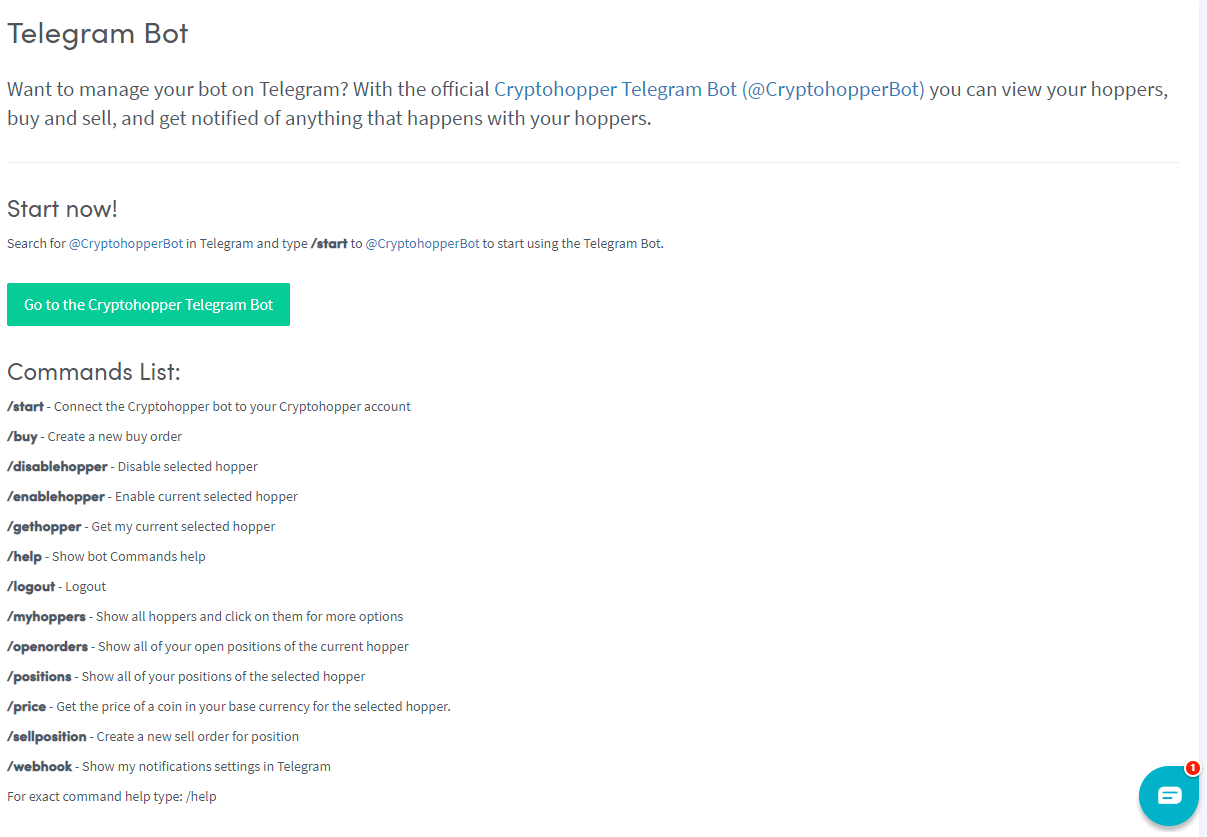
- Type
/helpand the bot will walk you through the available commands.