Come eliminare una Strategia, un Pacchetto o un Template come Venditore del Marketplace
Questa guida ti mostra come eliminare una Strategia, un Pacchetto o un Template dal Marketplace di Cryptohopper.
Prerequisiti
- Un account Cryptohopper.
- Stato approvato come Venditore del Marketplace. Vedi come candidarti come Venditore del Marketplace.
- Una Strategia, un Pacchetto o un Template attivo elencato nel Marketplace.
Passaggi
- Accedi al tuo account Cryptohopper.
- Clicca su "Marketplace".
- Clicca su "Marketplace items".
- Clicca sulla Strategia, sul Pacchetto o sul Template che vuoi eliminare.
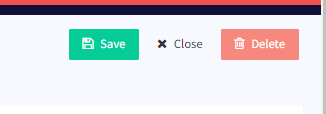
- Clicca su "Delete".