Come usare il Gestione bot multipli
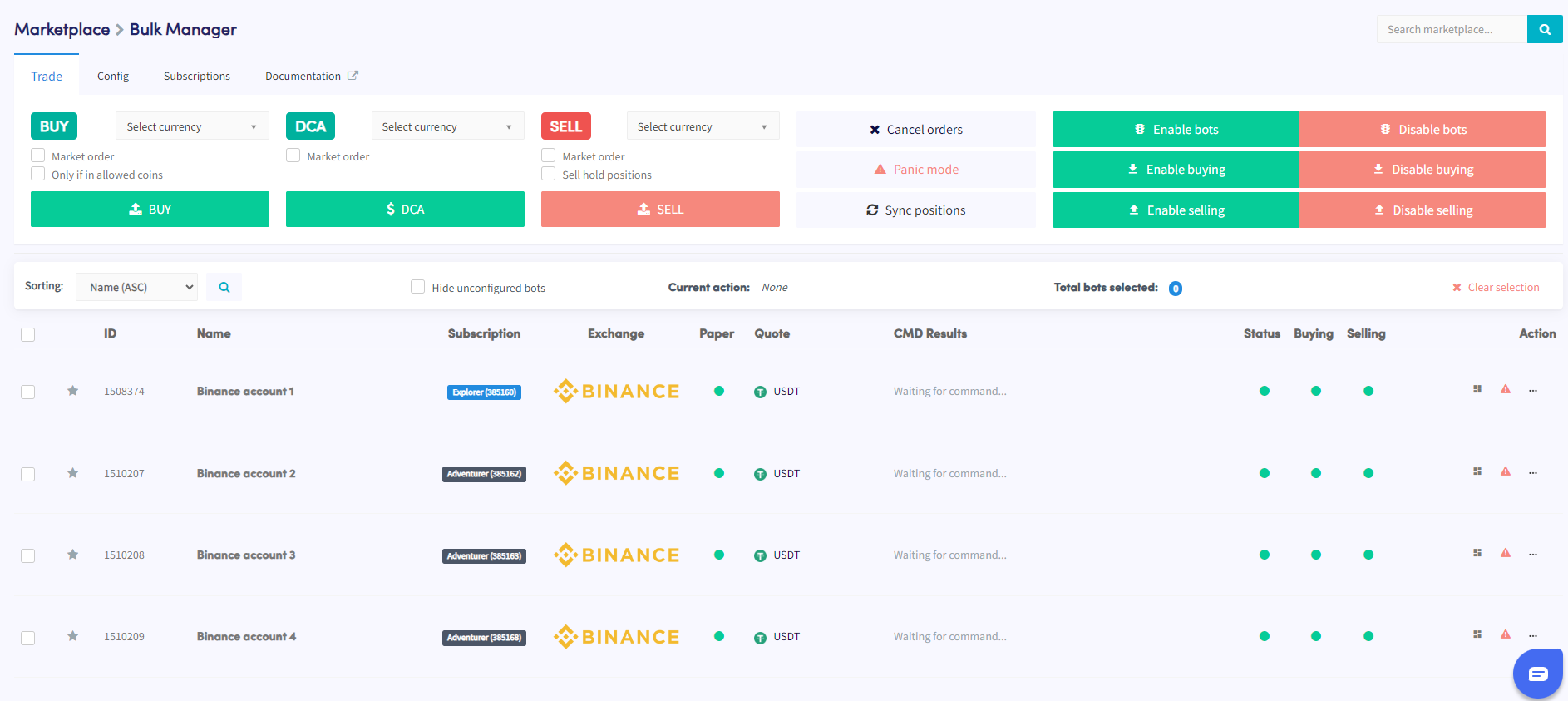
Questa guida ti mostra come gestire più bot contemporaneamente usando il Gestione bot multipli.
Prerequisiti
- Un account Cryptohopper attivo.
- Un minimo di 3 abbonamenti bot.
Passaggi
- Accedi al Marketplace e seleziona la sezione "Apps".
- Clicca sul Bulk Manager.
- Seleziona i trading bot che vuoi gestire usando le caselle di controllo.
- Scegli il tipo di azione da eseguire — trade, config, o subscriptions.
- Configura i dettagli dell'azione scelta — ad esempio, se hai selezionato Trade, specifica la coppia di valute, la strategia di acquisto/vendita e la dimensione dell'ordine.
- Esegui l'azione per applicarla ai bot selezionati.
- Monitora la sezione Command nella panoramica del tuo bot per verificare se l'azione è stata completata con successo.
suggerimento
Hai bisogno di aiuto con il Gestione bot multipli? Inviaci un'email a [email protected].