How to use the Bulk Bot Manager
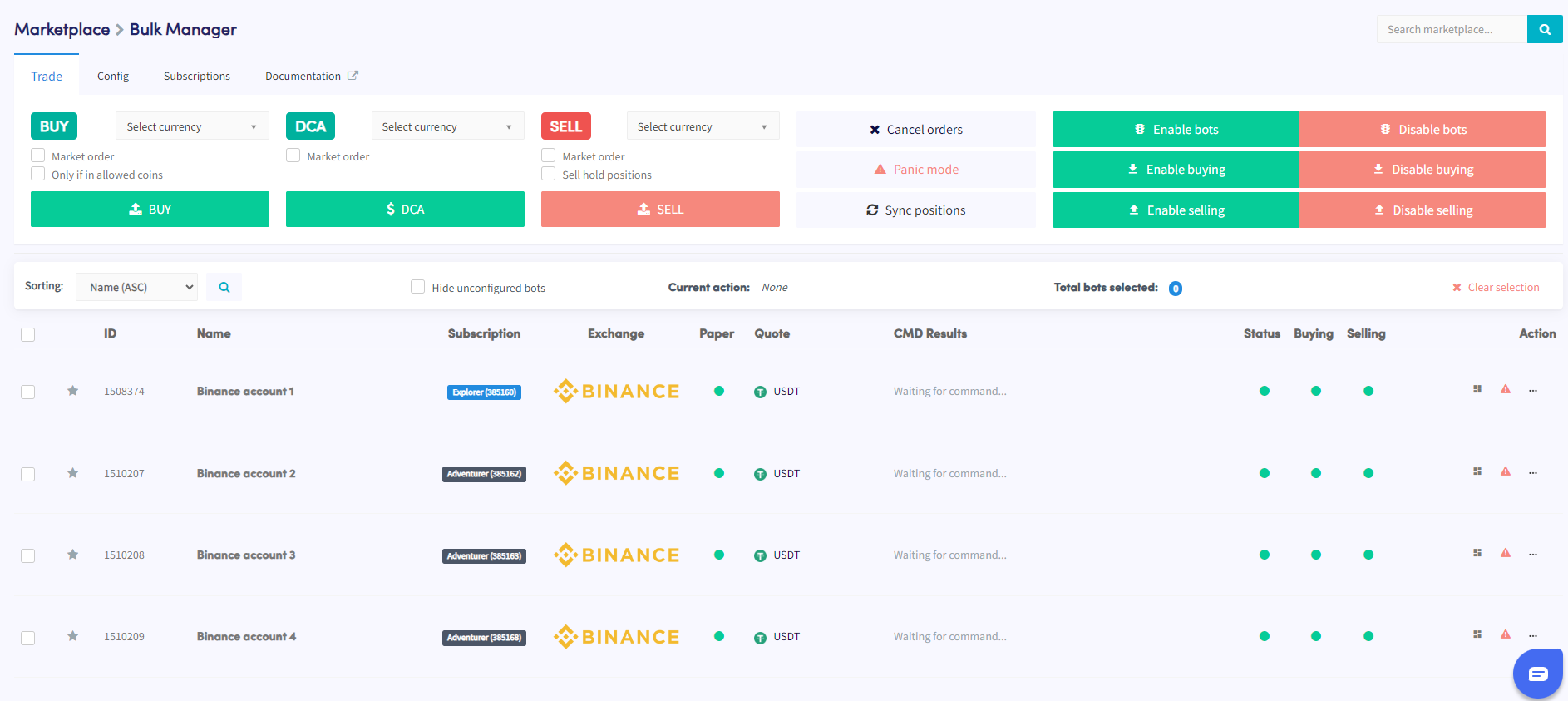
This guide shows you how to manage multiple bots simultaneously using the Bulk Bot Manager.
Prerequisites
- An active Cryptohopper account.
- A minimum of 3 bot subscriptions.
Steps
- Access the Marketplace and select the "Apps" section.
- Click on the Bulk Manager.
- Select the trading bots you want to manage using the checkboxes.
- Choose the type of action to perform — trade, config, or subscriptions.
- Configure the details of the chosen action — for example, if you selected Trade, specify the currency pair, buy/sell strategy, and order size.
- Execute the action to apply it to the selected bots.
- Monitor the Command section in your bot overview to verify whether the action completed successfully.
提示
Need help using the Bulk Bot Manager? Email us at [email protected].